
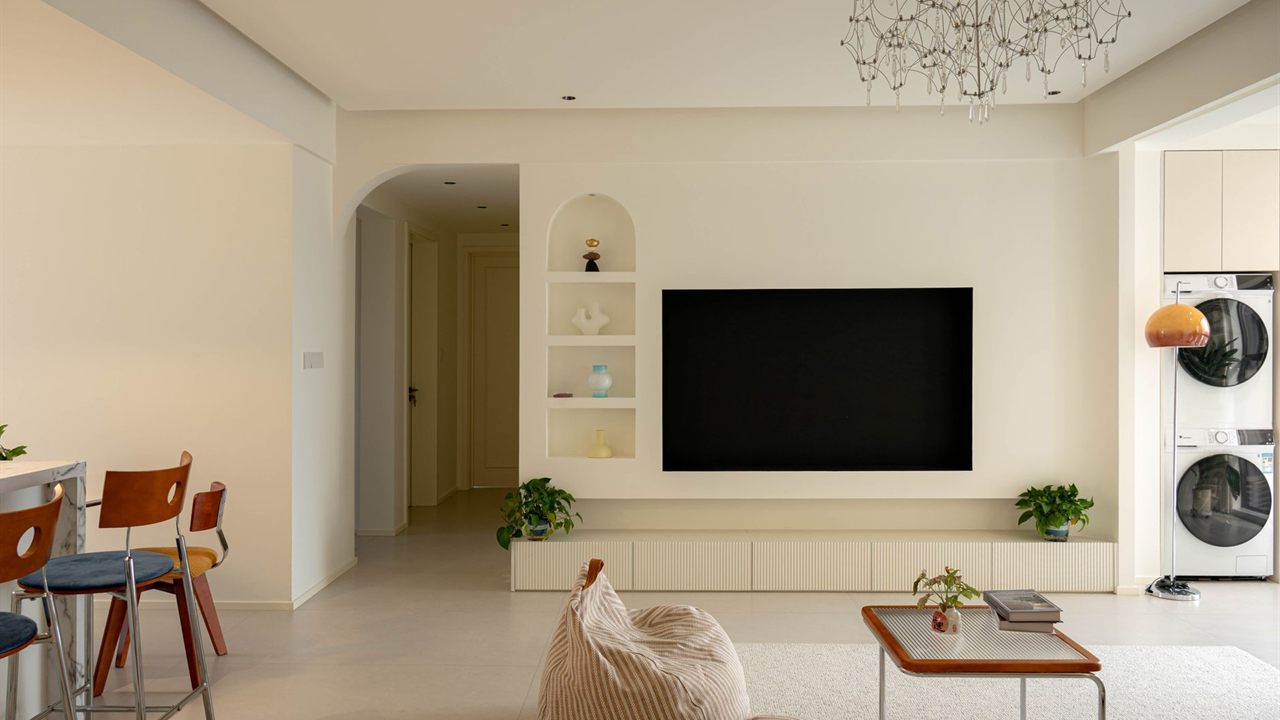
A wall-mounted TV looks finished until a cable box sits on a shelf underneath it with three cords hanging down. The neat answer is to hide the cable box behind the TV or in nearby furniture, but that creates three jobs: holding the box securely, keeping it cool, and still being able to control it. This guide covers all three, plus the power and cable work that makes the result look clean and stay legal.
How do you hide a cable box behind a TV?
Fix the box to the wall or the mount with a bracket rated for its weight, leaving its vents clear and its ports reachable. Control it with HDMI-CEC, an IR emitter on the box’s sensor, or an RF, Bluetooth or app remote. Run power from a receptacle behind the TV or a listed in-wall power kit, never a cord inside the wall.

Behind the TV or in a cabinet: choose the hiding place
There are two practical places for the box. Behind the screen keeps the HDMI run short and nothing shows below the TV. A cabinet, console or nearby closet keeps the box reachable for reboots and swaps, and leaves room for a soundbar or streaming player.
- Behind the TV suits a single box and a mount with enough depth between the screen and the wall.
- In a cabinet suits several sources, or a slim fixed mount with no room behind it.
- In another room suits a rack or closet; the video then travels over cable, as our guide to HDMI over coax vs Ethernet explains.
Ask whether the provider expects to swap the box. A box behind a large screen means taking the TV down, or reaching behind it, every time it needs attention.
Mounting the cable box behind the TV
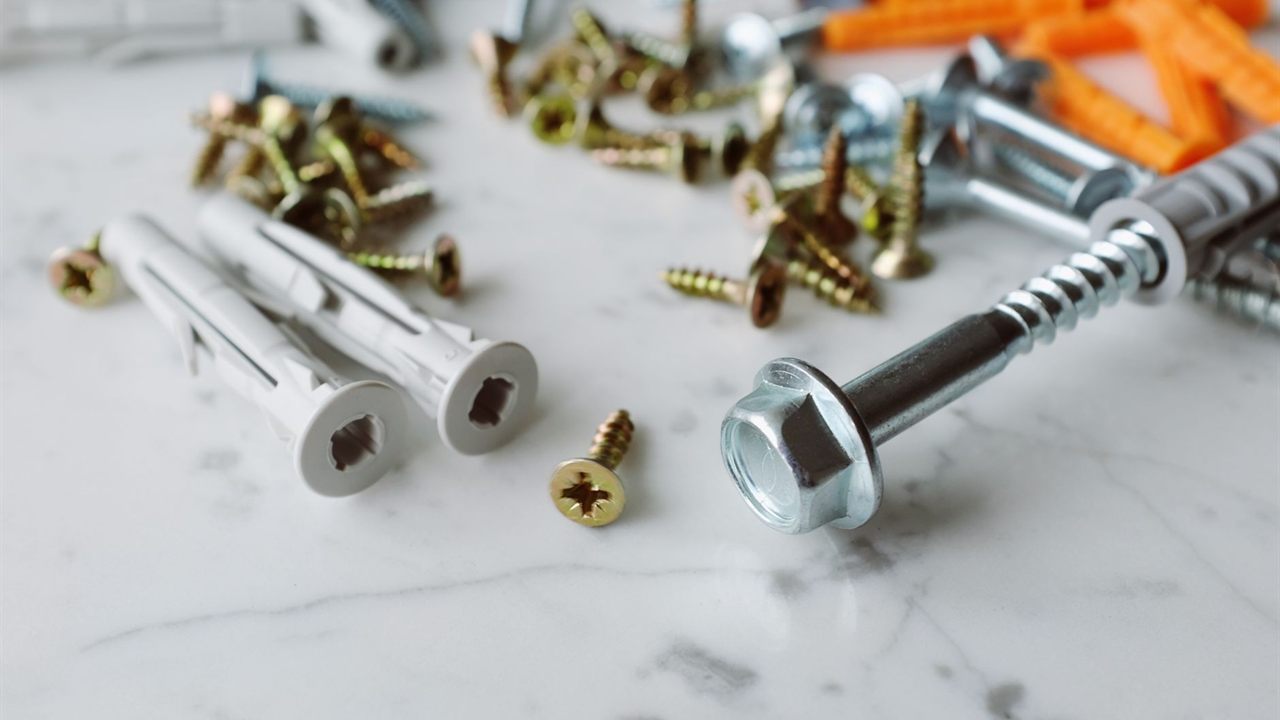
Most mounting failures here are improvised: a box wedged between the mount arms or stuck on with tape that softens in the heat. Use a purpose-made bracket or shelf that screws to the wall or attaches to the mount, and check its rated load covers the box and any cables hanging from it.
If the bracket hangs from the TV mount, the mount carries that weight too. Our guide to TV wall mount types explains why full motion arms already work hard, so add load carefully and check the mount’s own rating.
Orient the box so its connectors face a direction you can reach, and its front sensor faces where you plan to aim the control signal. Leave slack in every cable so a tilting or swinging mount never pulls a connector out.
Ventilation: keep the hidden box cool
Cable boxes run warm all the time, and the back of a TV is warm too. Read the box’s manual for its clearance and placement guidance, and follow it before anything else.
- Keep every vent clear; never cover the top of a box that vents upward.
- Avoid sealed baskets, closed crates and doors without openings. A cabinet needs a path for air in and out.
- Do not stack the box on the TV’s own vents, a receiver or another warm device.
If the box reboots, freezes or feels hot to the touch after an evening’s use, move it to open air before blaming the signal.

Power and cable management behind the TV
The cleanest install puts a receptacle behind the TV and runs only low voltage cables in the wall. What you cannot do is push the TV or box power cord through the drywall. The OSHA wiring rule for flexible cords says they may not be used as a substitute for fixed wiring, where run through holes in walls, or where concealed behind building walls; the electrical code applies similar limits in homes.
The legal options are a new receptacle installed by an electrician, or an in-wall power kit listed for the purpose and installed to its instructions. Keep power and low voltage in their own sections of any recessed box.
Fit a surge protective device on the box and TV, and keep HDMI runs short; our guide to HDMI cable length limits explains why a long run to a cabinet can fail at 4K.
Wall-plate pass-throughs and low voltage brackets
For coax, HDMI and the IR cable, a brush or grommet wall plate behind the TV and another near the cabinet give a clean pass-through. Each plate needs something to hold it in the drywall, and our guide to the low voltage mounting bracket explains the choices for new and existing walls.
Fish the coax, HDMI and IR cable together, label both ends, and leave a service loop behind the TV so the screen can tilt or come down without strain.
How to control a hidden cable box
Once the box is out of sight, its infrared sensor is too. There are four ways to control a hidden cable box, and the right one depends on what the box and TV support.
- HDMI-CEC: the TV remote sends basic commands to the box over HDMI. Support and naming vary by maker, and channel control is often limited, so test it with the actual pair.
- IR emitter or extender: a receiver near the TV picks up the remote, and an emitter stuck over the box’s sensor repeats it. Our guide on how an IR repeater works covers the parts.
- RF or Bluetooth remote: many newer boxes pair with a remote that needs no line of sight at all.
- App or IP control: a phone app or control system talks to the box over the network.
Some boxes have an IR input jack on the back that accepts an extender directly. When using a kit, check that its stated frequency range covers the box, since cable boxes do not all use the same carrier.
Control options compared
| Method | Needs line of sight | Best for | Watch for |
|---|---|---|---|
| HDMI-CEC | No | Power and basic navigation | Patchy support between makers |
| IR emitter kit | Only to the receiver | Boxes with IR-only remotes | Carrier frequency and sunlight |
| RF or Bluetooth remote | No | Boxes that ship with one | Pairing after a box swap |
| App or IP control | No | Systems with a control processor | Network changes and updates |
The trade-offs between the two remote technologies are covered in our IR vs RF remote comparison.
Where to find IR kits, mounts and cables
The IR control category lists receivers, emitters and connecting blocks for hidden equipment, and it sits in the security, surveillance and control division. The TV and AV mounts category lists the mounts that set the space behind the screen.
For pricing and availability on a job, contact your sales representative through the Bursma contact page, or open a Bursma dealer account.
Frequently asked questions
Will a cable box overheat behind the TV?
It can, if its vents are blocked or it sits against the TV’s own vents. Mount it in open air with clear vents, follow the clearances in its manual, and check it after a long viewing session.
Can I control a cable box without line of sight?
Yes. Use HDMI-CEC for basic commands, an IR emitter kit, the provider’s RF or Bluetooth remote if the box has one, or app control over the network.
Can I run the TV power cord inside the wall?
No. Cords may not be run through holes in walls or concealed in them. Have an electrician add a receptacle behind the TV, or use an in-wall power kit listed for the purpose.
Do IR extenders work with every cable box?
Not always. Check that the kit’s frequency range covers the box, or plug it into the box’s IR input jack if it has one.