

Every flat panel job starts with the same call: which bracket goes on the wall. The three main TV wall mount types, fixed, tilting and full motion, all hold the screen safely when installed correctly, but each one suits a different room, wall and viewing position. Picking the wrong one means a glare problem, a screen that sits too far off the wall, or an articulating arm hung on a wall that cannot carry it.
What are the main TV wall mount types?
There are three main TV wall mount types: a fixed mount holds the screen flat and close to the wall, a tilting mount angles it down to cut glare or suit a high position, and a full motion mount puts the TV on an arm that extends and swivels for corners and rooms with several seats. Ceiling mounts cover jobs with no usable wall.
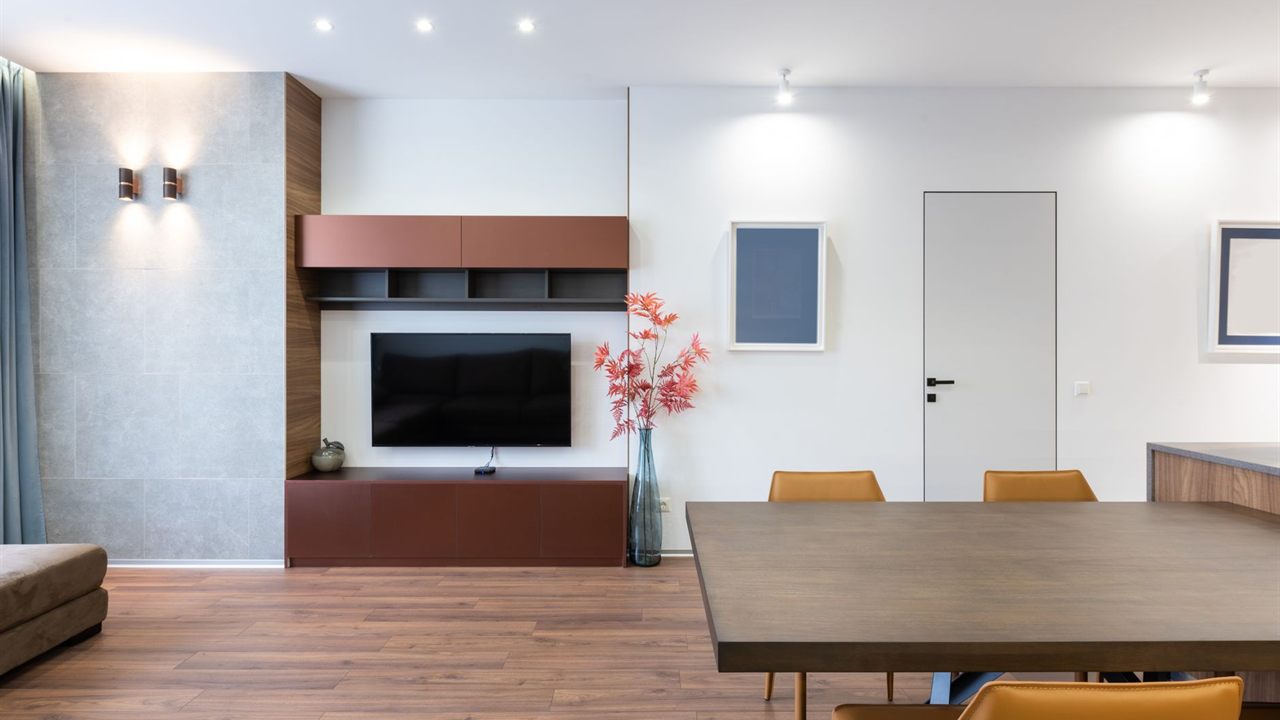
TV wall mount types compared
The table sums up how the three common types differ on a real job. Depths are typical figures for each type; the mount maker’s sheet sets the exact numbers for a given model.
| Type | Typical depth off the wall | Adjustment | Best fit |
|---|---|---|---|
| Fixed (low profile) | About 1 inch | None, small level shift on some models | Eye level screens, one main seat, clean look |
| Tilting | About 2 to 3 inches | Vertical tilt, often 5 up and 15 down | High positions, windows that cause glare |
| Full motion (articulating) | About 2.5 to 3.5 inches retracted, much more extended | Extend, swivel, tilt | Corners, open plan rooms, kitchens, offices |
| Ceiling | Set by the drop pole | Tilt and swivel | Glass walls, retail, bars, waiting rooms |

Fixed TV mounts: slimmest profile, fewest variables
A fixed mount is a flat wall plate and two hanging arms. The screen sits roughly an inch from the drywall, which gives the closest look to a framed picture and leaves the least room for anything to work loose. It suits a TV at seated eye level facing the main seat.
The trade-off is access. With the panel that close, the inputs are hard to reach once it is hung, so plan the connections first. A recessed in-wall box behind the screen, such as the VANTVB2GW recessed two-gang TV box for flat panels, keeps plugs and cables inside the wall cavity. In the Bursma line, the SANLL22-B1 fixed-position mount for 37 to 90 inch TVs covers most living room and boardroom screens.

Tilting TV mounts for high positions and glare
A tilting mount adds a pivot so the screen can angle down, usually a few degrees up and up to about 15 degrees down. That matters whenever the TV sits above eye level: over a fireplace, above a console in a conference room, or high on a wall in a bedroom where the viewer is lying down.
Tilt mounts stand off the wall a little more than fixed ones, which also gives fingers room to reach the inputs. The VANSPRO3660 super slim tilt mount for 36 to 60 inch screens keeps the depth down where a thin look still matters. A few degrees of tilt will not rescue a screen hung far too high.
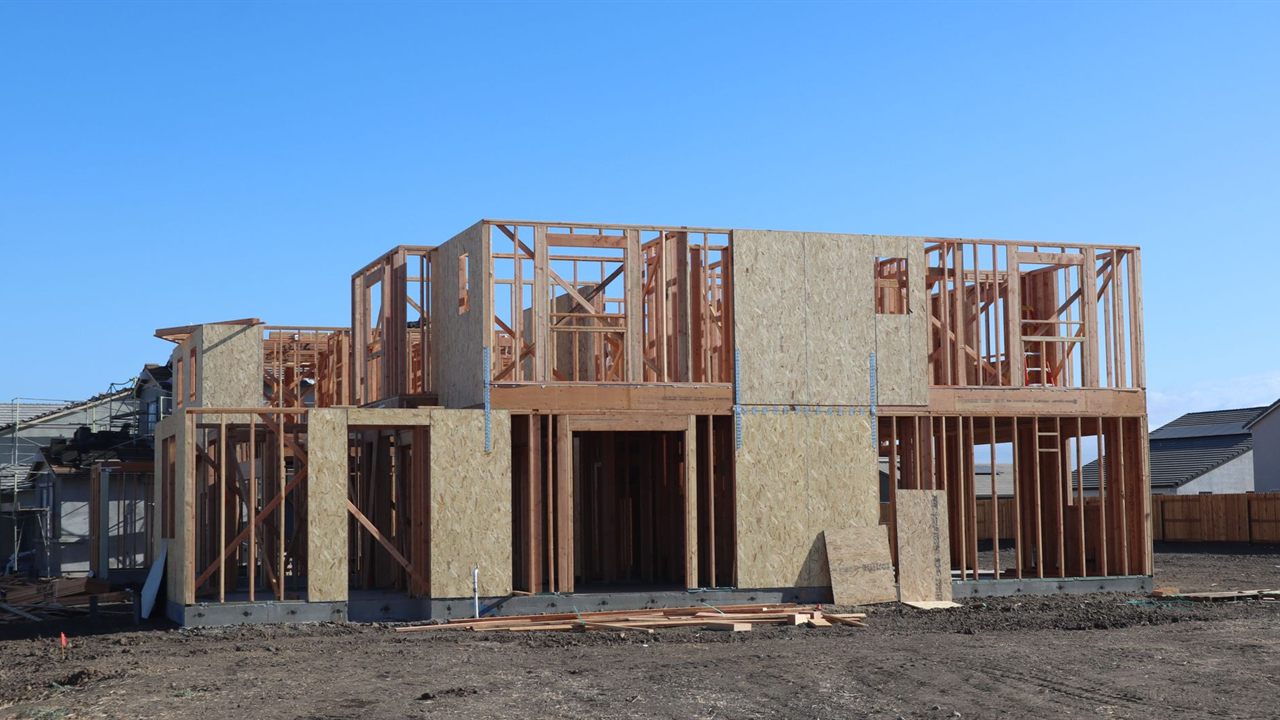
Full motion mounts: flexibility with a load cost
A full motion or articulating mount puts the TV on one or more arms that extend, swivel and tilt. It is the answer for corner installs, open plan rooms where people watch from the kitchen and the sofa, and offices where the screen turns between a desk and a meeting table.
That reach comes at a cost on the wall. When the arm is fully extended, the weight of the TV acts on a lever, so the top lag bolts are pulled outward far harder than on a fixed plate. Size the mount by both screen size and weight, and respect its rated extension. Bursma stocks articulating mounts from small to large, including the SANVLF525-B1 full motion mount for 51 to 70 inch TVs and the SEQ720-105 small articulating mount for 10 to 24 inch screens.
Ceiling and dual-sided mounts
Where there is no usable wall, a ceiling mount drops the screen on a pole. Glass storefronts, bars, waiting rooms and wide open lobbies are the usual cases. The SANLC2A dual-sided ceiling mount hangs two screens back to back, a common layout for restaurants and corridors.
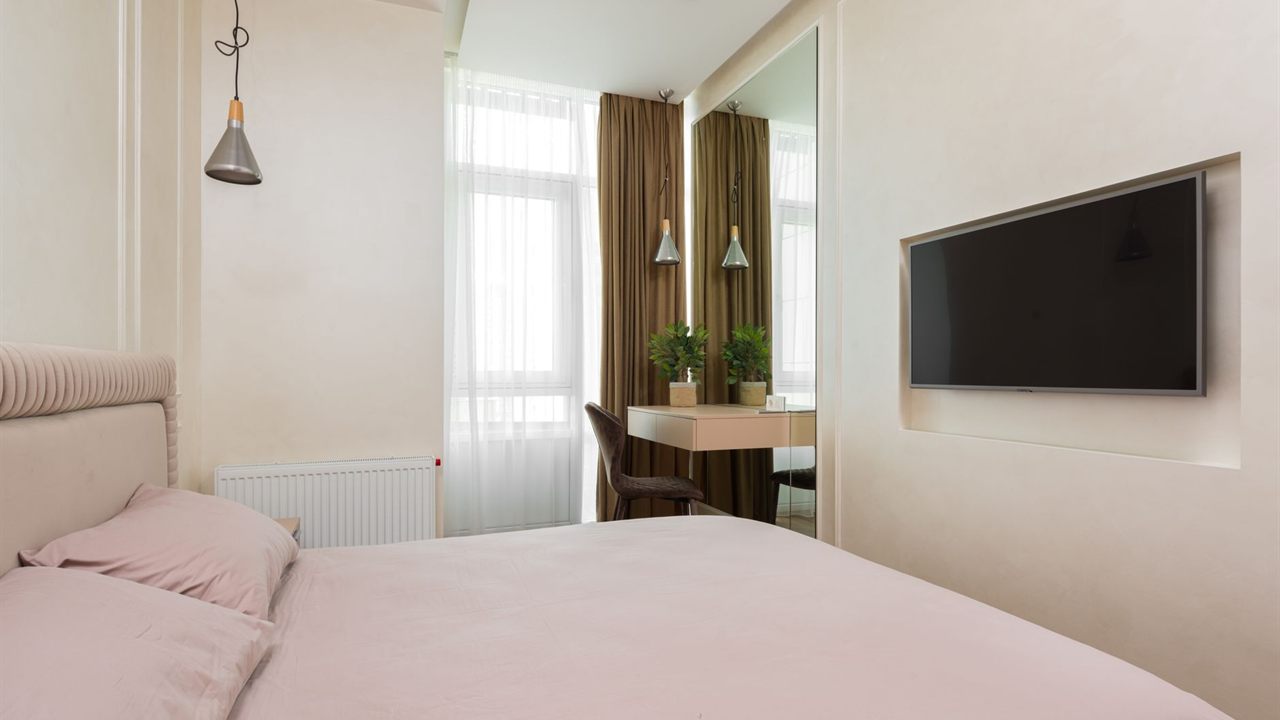
Match the mount to the wall, not just the TV
Every type is only as strong as what holds it. Wood stud walls are usually framed 16 inches on center, sometimes 24, and the wall plate should catch two studs wherever the mount maker calls for it. Full motion mounts almost always need two studs or solid masonry.
- Wood studs: lag into the center of the stud with the bolts supplied; pilot holes sized to the instructions.
- Steel studs: use only the hardware the mount maker approves for steel; standard lags will not hold.
- Brick, block and concrete: masonry anchors rated for the load, drilled into solid material, not the mortar joint.
- Plaster and lath: find framing behind it; never hang a TV on the plaster alone.
An off-center stud often calls for a mount with a wider plate or sliding adjustment, so measure before choosing.

Safety: anchoring and following the instructions
The federal Consumer Product Safety Commission’s Anchor It! guidance on TV tip-overs tells households to mount flat-screen TVs to the wall or secure them to furniture, and to anchor TVs that are not wall mounted. It also says to follow the manufacturer’s instructions when securing a TV. A properly installed wall mount removes the tip-over risk of a set standing on a dresser or stand.
For installers, that means following the mount’s instructions to the letter: the specified fasteners, the specified number of studs, safety screws or locks that stop the TV lifting off the plate, and a weight rating with headroom over the actual panel. Check every lock on an articulating arm at full extension.
Choosing a TV mount for installers: a quick checklist
- VESA pattern: confirm the hole spacing on the back of the TV falls inside the mount’s supported range.
- Weight and size: pick a mount rated above the TV’s weight, not just its diagonal.
- Viewing position: eye level and one seat suggests fixed; high or glare-prone suggests tilt; several seats or a corner suggests full motion.
- Wall build: stud spacing, stud material and anything in the cavity, such as wiring or plumbing.
- Cabling: recessed box, conduit to the equipment location, and power behind the screen.
Cabling is often the deciding factor. If the source sits in a cabinet across the room, read our guide to HDMI cable length limits and long runs before pulling wire, and see how to choose an AV equipment rack for the head end. Protect the gear behind the screen as covered in power conditioner vs surge protector.
Where to buy TV mounts for installers
The full range is in the Bursma TV and display mounts category, alongside speakers, receivers, cables and racks in the audio video division. Pair a wall-mounted screen with audio from the same visit; our in-ceiling speaker placement guide covers the room layout.
Pricing and availability are in Shop Online once you log in. If you install for a living, apply for a Bursma dealer account, or contact the Wyoming, MI branch or the Columbus, OH branch.
Frequently asked questions
Which TV wall mount type is best?
None is best for every room. Fixed suits an eye level screen facing the main seat, tilting suits a high screen or a glare problem, and full motion suits corners and rooms with several viewing positions.
Can a full motion mount go on one stud?
Only if the mount maker specifically allows it for that model and weight. Most articulating mounts need two studs or solid masonry because the extended arm multiplies the pull on the top fasteners.
What mount is best above a fireplace?
A tilting mount is the usual choice, because it angles the screen down toward the seating. Check the mantel heat and the TV maker’s guidance on operating temperature before committing to the position.
How do I know if a mount fits my TV?
Match three things: the VESA hole pattern on the back of the TV, its weight, and its screen size. All three must fall inside the mount’s stated range.