
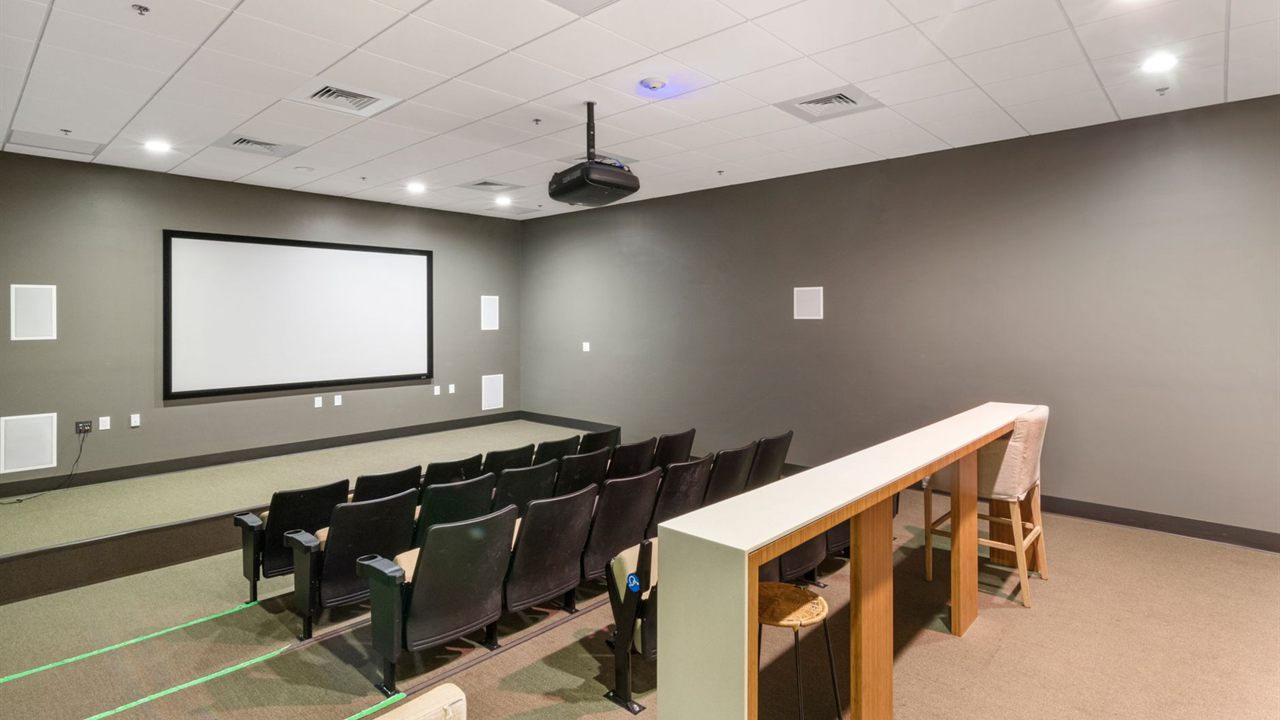
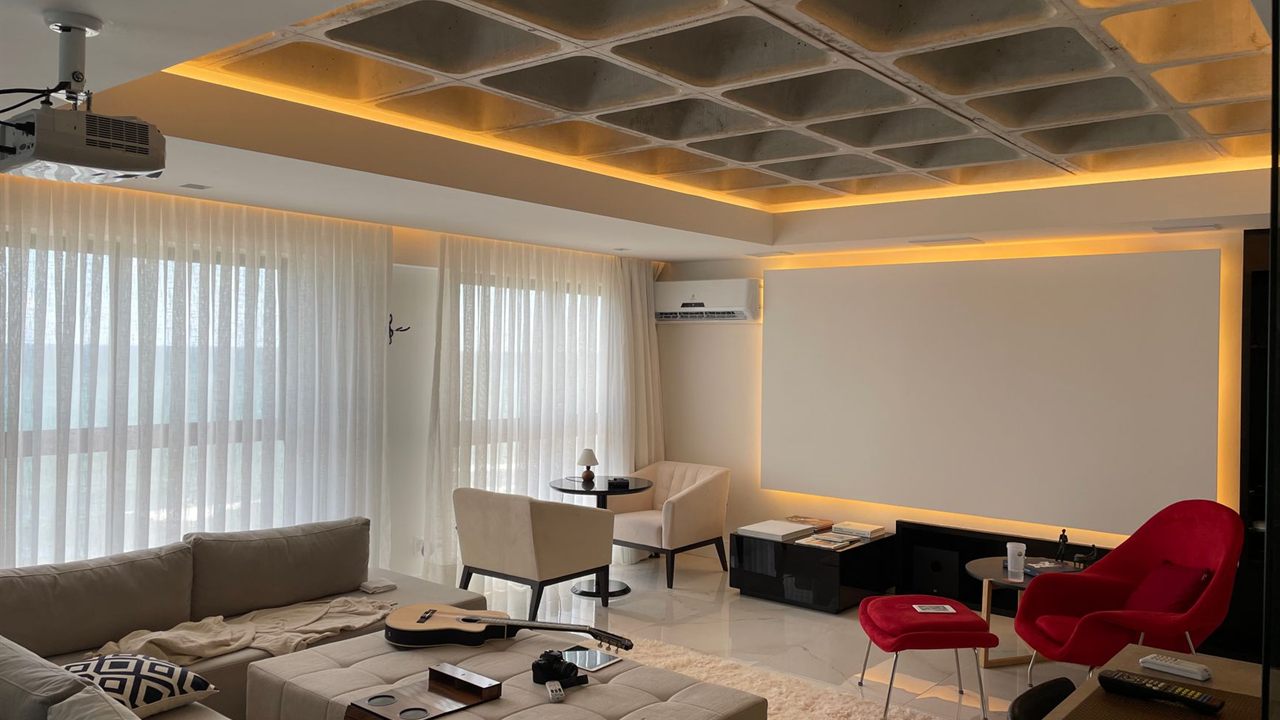
A display on the far wall, a projector in the ceiling or a TV fed from a rack in the basement all raise the same question: will a plain HDMI cable reach, or does the run need something else? HDMI cable length limits are not written into the specification as a single number, so the answer depends on the signal, the cable and the method. This guide explains what actually limits distance and how installers plan long HDMI cable runs that work on day one.
What are the HDMI cable length limits?
HDMI sets no single maximum length. The limit depends on bandwidth: passive copper cables commonly manage about 15 meters for 1080p but only a few meters for 4K at 60 Hz and beyond. Longer runs use active cables, active optical (fiber) HDMI cables, or an HDMI extender over Cat6, which can reach up to 100 meters.
Why HDMI cable length limits exist
HDMI carries video as very fast digital signals over copper pairs. The longer the cable, the more those signals weaken and smear, until the receiving chip can no longer tell a one from a zero. The result is not a gradually softer picture but sparkles, dropouts, a blank screen or a handshake that fails outright.
The HDMI Licensing Administrator’s guide to HDMI cables for system installations notes that as speeds have risen, passive cables are getting shorter or thicker to cope with the higher operating frequencies. It also states that certification testing is required for each length, not just each model series, because electrical performance varies with length. That is why a certified 2 meter cable says nothing about the same model at 10 meters.
Bandwidth sets the real limit
The more data the signal carries, the shorter the passive run. A 1080p signal needs far less bandwidth than 4K at 60 Hz with HDR, and 4K at 120 Hz or 8K needs more again. The HDMI cable categories line up with those steps.
- High Speed HDMI Cable: 1080p and 4K at 30 Hz class signals.
- Premium High Speed HDMI Cable: certified for 4K at 60 Hz with HDR and 18 Gbps bandwidth.
- Ultra High Speed HDMI Cable: certified for the 48 Gbps of HDMI 2.1, covering 4K at 120 Hz and 8K at 60 Hz.
The certification details are on the HDMI LA page explaining the official HDMI cable certification programs. Certified packages carry a label that the HDMI LA scanning app can read, and the result shows the cable’s length, so you can confirm the exact length was tested.
Practical distances by method
The figures below are working rules of thumb drawn from installer experience and cable makers’ ratings, not specification limits. Always check the rating of the specific cable or extender, and test the full chain before walls close.
| Method | Typical reach at 4K 60 Hz | Strengths | Watch for |
|---|---|---|---|
| Passive copper HDMI | About 5 to 8 meters | Simple, no power, works both ways | Shorter still at 48 Gbps |
| Active copper HDMI | About 10 to 20 meters | One cable, chip in the plug | Directional; source and display ends |
| Active optical (fiber) HDMI | 30 meters and beyond | Thin, light, very long runs | Directional; bend radius; cannot be terminated in the field |
| HDMI extender over Cat6 | Up to about 100 meters on HDBaseT class units | Field terminated, easy to pull | Needs power at one or both ends |
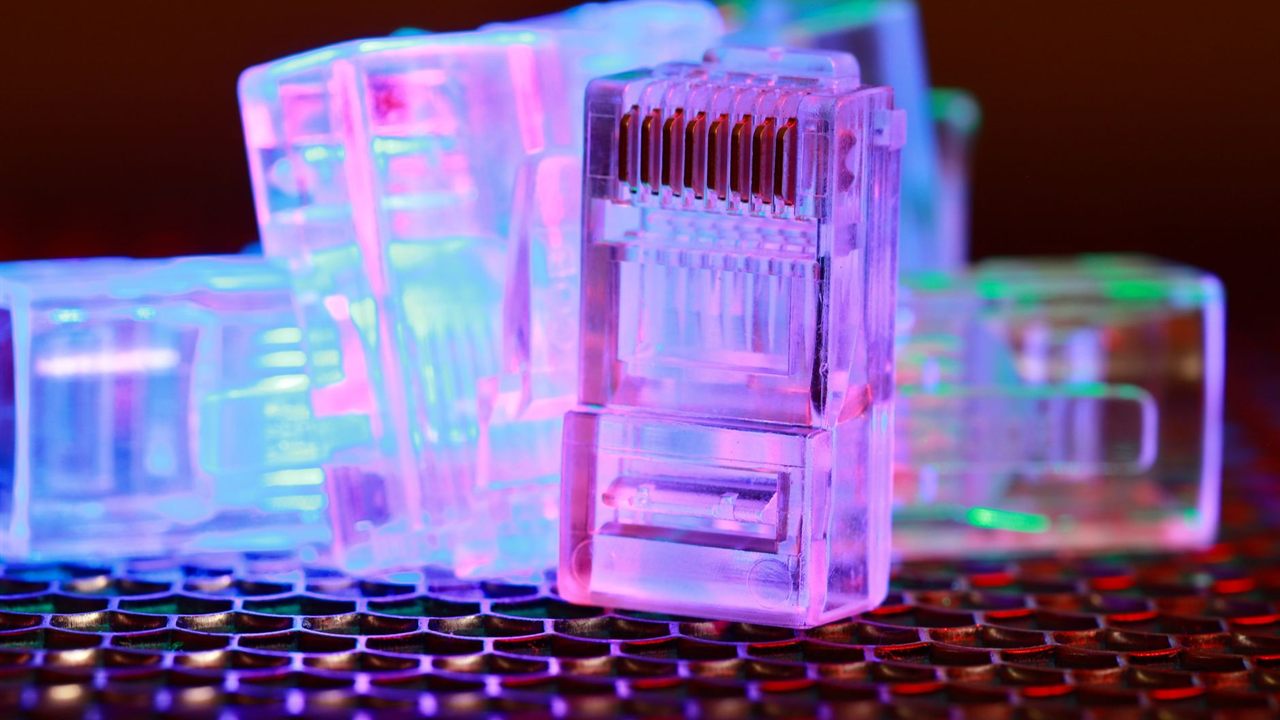
Active and optical HDMI cables
An active copper cable has a small chip in one connector that boosts and cleans up the signal. It draws power from the source port, which is why it only works one way round: the end marked source goes to the player or switch. The Bursma cable line includes active high speed HDMI with Ethernet in VANRDM050, a 50 foot active HDMI cable, along with 35 and 60 foot versions.
Active optical cables go further. HDMI LA describes them as assemblies that carry the high speed lanes on optical fiber and the auxiliary signals on copper, which allows much longer lengths in a thin cable. The first Ultra High Speed active optical cable was certified in December 2020. They suit pre-wire jobs where a single cable has to cross a large room or several floors, but they cannot be cut and terminated, so the length must be right before the pull.

HDMI extender over Cat6
For anything past a long cable, an HDMI extender over Cat6 is the installer’s standard tool. A transmitter at the source converts HDMI to a signal that runs over a single category cable, and a receiver at the display converts it back. HDBaseT class units are typically rated for up to 100 meters, with shorter limits for the most demanding 4K formats, while simpler extenders run less.
The Bursma accessory line includes the VANHDMIEX50 HDMI extender over one Cat5e cable, rated to 50 meters. Use solid copper cable, not copper clad aluminum, and keep it out of bundles with power. The same cable choices apply as in our guide to Cat5e vs Cat6 for security cameras, and the jacket rating rules in CMR vs CMP cable explained apply to any HDMI or category cable run inside walls.
Extenders often pass IR and control signals as well, which can replace a separate run; see how an IR repeater works. Gefen, one of the confirmed lines on the Bursma manufacturers page, is known for HDMI distribution products.
Planning long HDMI cable runs
- Decide the signal: list the highest resolution and frame rate the source will send, today and in the near future.
- Measure the real path: include the climb up the wall, the ceiling run and the slack at both ends, not the straight-line distance.
- Use conduit where you can: a smooth conduit from the rack to the display lets you swap a cable later as formats change.
- Pull a spare Cat6: one extra category cable alongside the HDMI costs little and gives an extender path if the cable falls short.
- Avoid couplers: every joint adds loss; the VAN280328X HDMI in-line coupler belongs on short patches, not marginal runs.
- Test before drywall: run the actual source at its highest format to the actual display, and check audio, HDR and HDCP.
Handshake problems can look like cable faults. If a long run shows a picture at 1080p but not 4K, the cable or extender is the likely limit; if nothing shows at all, check EDID and HDCP settings on any switch or receiver in the chain first. For rack layouts that keep sources in one place, read how to choose an AV equipment rack, and for the display end see TV wall mount types.
Where to buy HDMI cables and extenders
Passive and active HDMI cables and patch cords are in the Bursma audio video cables category, with extenders and couplers under accessories in the audio video division. Pricing and availability show in Shop Online after you log in.
If you install for a living and do not have an account yet, open a Bursma dealer account, or call the Wyoming, MI branch at 616-831-0080.
Frequently asked questions
What is the longest HDMI cable that works for 4K?
There is no official maximum. Passive copper cables for 4K at 60 Hz are reliable at a few meters and sometimes reach about 8 meters when certified; past that, use an active, optical or extender solution.
Does a longer HDMI cable reduce picture quality?
Not gradually. A digital signal either arrives intact or fails, so a cable that is too long shows sparkles, dropouts or no picture rather than a softer image.
Can I join two HDMI cables together?
Yes, with a coupler, but each joint adds loss. On a long or high bandwidth run, replace the pair with one cable of the right length or use an extender.
How far can an HDMI extender over Cat6 go?
HDBaseT class extenders are typically rated up to 100 meters on a single Cat6 cable, less for the most demanding 4K formats. Check the rating of the specific unit.