
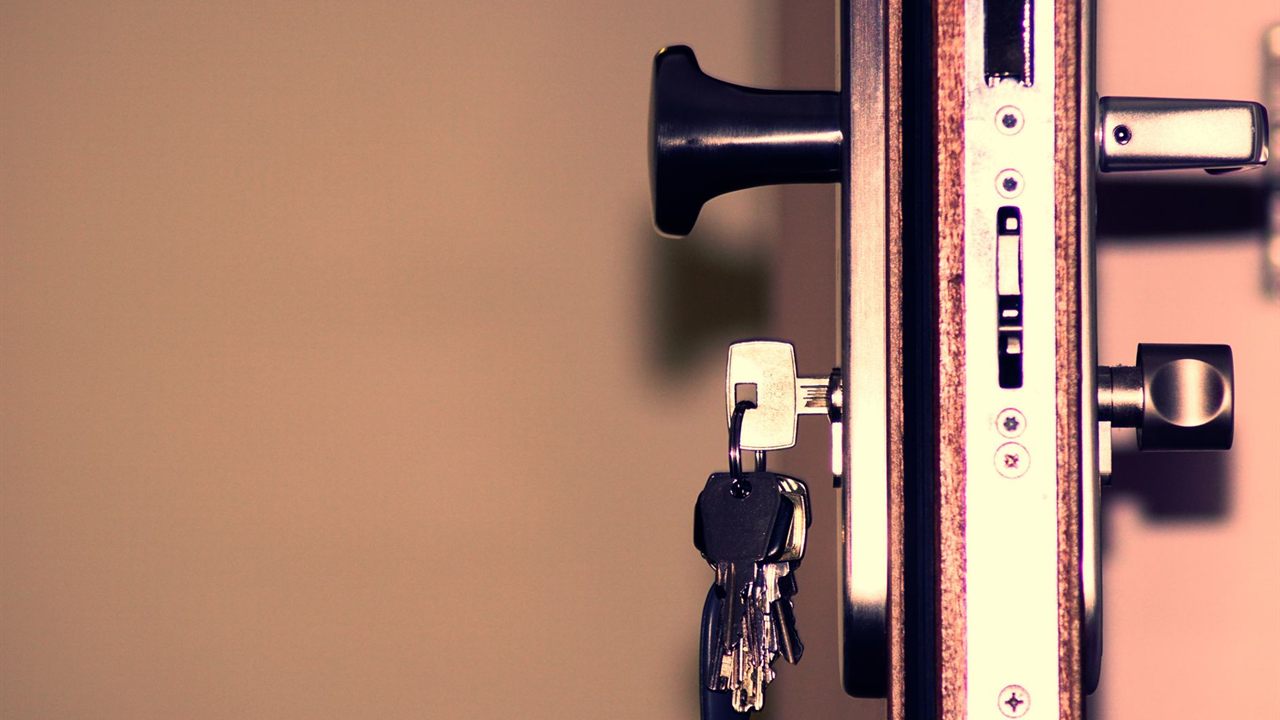
Most smart deadbolt callbacks trace back to the door, not the electronics. A motor that fights a misaligned strike drains batteries, jams and beeps, and no amount of re-pairing fixes it. Knowing how to install a smart deadbolt properly means checking the door prep, making the bolt throw freely by hand, mounting both halves square, and only then pairing the lock with the panel or hub.
How do you install a smart deadbolt?
Confirm the door’s bore, backset and thickness match the lock’s template, then fit the latch and check the bolt throws freely into the strike by hand. Mount the outside unit, route the cable under the latch, fix the inside unit, insert batteries, calibrate, and pair the lock with the panel or hub. Test locking from both sides.

Smart lock door prep: check the door before you start
Most residential smart deadbolts are made to replace a standard deadbolt in the existing holes. Before you open the box, confirm the door actually matches the lock’s paper template, because a few millimetres of difference shows up later as a bolt that drags.
- Bore: measure the diameter of the hole through the door face and compare it with the template.
- Backset: measure from the door edge to the centre of that hole. Most latches adjust between two common backsets; set it before you fit the latch.
- Door thickness: check it against the range in the manual. Thick or thin doors may need the maker’s alternate screws or a kit.
- Edge bore and mortise: the latch faceplate must sit flush. A rounded or square faceplate must match the cutout.
Also check the space around the hole. A large inside unit can hit trim, a glass panel or a handle set mounted close above it.

Make the bolt throw freely before the motor goes on
This is the step installers skip and later regret. With the latch and the old thumbturn (or the new lock’s manual turn) in place, close the door and throw the bolt by hand. It should slide fully home with almost no resistance, and retract the same way.
If it drags or stops short, the strike is the problem. Move the strike plate, enlarge the bolt hole in the jamb, or fix a sagging door at the hinges first. A lock that extends with the door open but not when closed is almost always an alignment fault, not a faulty motor.
Use the job to strengthen the strike. The Seattle Police Department door security bulletin notes that the average strike plate is secured only to the doorframe molding, and recommends anchoring the frame to the wall stud with longer screws. To resist pry tools, it calls for 3 inch screws in the strike plates.

Mount the outside unit, the cable and the inside unit
Every lock has its own sequence, so follow the manual. The common pattern is the same across most motorised deadbolts:
- Fit the latch with its bolt retracted and the correct side facing the jamb.
- Pass the outside unit’s cable through the bore, under the latch, and seat the unit flush and level against the door.
- Fit the mounting plate on the inside, with the tailpiece engaging the latch at the angle the manual specifies.
- Connect the cable to the inside unit without pinching it, then fix the inside unit to the plate.
Tighten the through bolts evenly and stop when snug. Overtightening squeezes the latch and puts back the friction you just removed. Check the bolt by hand again before going further.
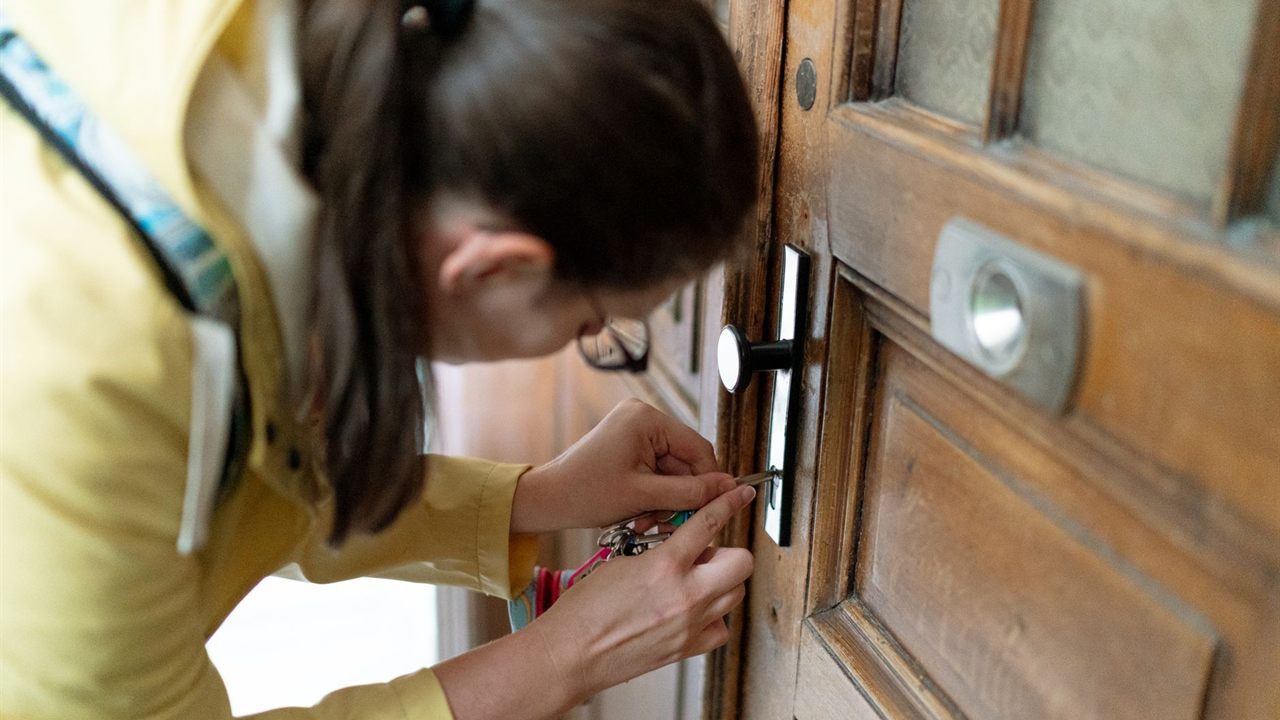
Batteries, calibration and the key override
Use the battery type and count the manual names, fitted the right way round in the inside unit. Most locks then run a calibration or handing routine that learns which way the door locks, so the door should be open and the bolt free while it runs.
Before you leave, show the owner the backup entry: a key cylinder, or on keyless models the external battery contacts or terminal. A dead battery should never be the first time anyone looks for it.

Z-Wave door lock install: pairing with the panel or hub
Pair the lock in its final position, mounted on the door, so the route the controller learns is the route it will use. Put the panel or hub into add mode, then start inclusion on the lock as the manual describes.
Door locks normally join securely, so the controller may ask for the PIN or code printed on the lock or its box. Keep that label with the job paperwork. Once included, set user codes and check that lock and unlock events reach the panel.
The choice of protocol is covered in our Z-Wave vs Zigbee comparison for security dealers. If the lock reports slowly or drops off, the fix is usually the mesh, and our guide on how to extend Z-Wave range with repeaters explains how to add routing between the panel and the door.
Smart deadbolt types compared
| Format | What gets replaced | Door prep notes |
|---|---|---|
| Interior retrofit unit | Inside thumbturn only | Keeps the existing deadbolt; it must already throw freely |
| Keypad deadbolt with key | Whole deadbolt | Standard bore; outside cable passes under the latch |
| Keyless keypad deadbolt | Whole deadbolt | Standard bore; plan the emergency power option |
| Commercial electrified lock | Lockset or mortise lock | Often new prep and wired power; specify with the door hardware |
Auto-lock and egress: one motion from inside
Auto-lock is convenient, but a lock that throws while the door stands open will strike the frame. Use a door position sensor where the lock supports one, or set a delay long enough for real traffic, and test it with the owner present.
Egress matters most on commercial doors. A Los Angeles County building security handout restates the code: the unlatching of any means of egress door shall not require more than one operation, and egress doors shall be readily openable from the egress side without a key or special knowledge or effort. It allows a dead bolt on individual dwelling units with an occupant load of 10 or less, provided it opens from inside without a key or tool.
The residential code has a similar rule for the egress door, so avoid keyed inside cylinders where your jurisdiction forbids them. For doors that also need a request to exit sensor or managed credentials, our guide to standalone vs networked access control covers the step up.
Where to find Z-Wave locks and access products
The Z-Wave automation category lists the locks, modules and controllers that join a security panel, and the access control category lists keypads and door hardware for commercial doors. Both sit in the security, surveillance and control division.
For pricing and availability on a job, contact your sales representative through the Bursma contact page, or open a Bursma dealer account.
Frequently asked questions
Will a smart deadbolt fit my existing deadbolt holes?
Usually, if the door has a standard residential deadbolt prep. Measure the bore, backset and door thickness and compare them with the template and range printed in the lock’s manual before you remove the old lock.
Why won’t my smart lock lock all the way?
Almost always the strike. If the bolt extends fully with the door open but stops when it is closed, adjust the strike plate or enlarge the jamb hole until the bolt throws freely by hand.
Can a smart deadbolt connect to an alarm panel?
Yes, if the lock and panel share a protocol such as Z-Wave. Include the lock in its final position, enter the security code when the panel asks for it, and confirm lock events reach the panel.
What happens when the batteries die?
The lock warns of low batteries first. If they run flat, use the key cylinder or, on keyless models, the emergency power option the manual describes.