

A rack decides how serviceable a system will be for the rest of its life. Pick one too short and the next amplifier ends up on the floor; pick one too shallow and the connectors crush against the wall; close it up in a closet with no air path and the receiver shuts down mid-movie. This guide on how to choose an AV equipment rack walks through sizing, depth, rack type, weight, ventilation and access in the order an installer should settle them.
How do you choose an AV equipment rack?
To choose an AV equipment rack, list every component with its height in rack units and its depth, add spare space for growth, vents and power, then pick a rack type that fits the location: wall-mounted swing gate, rotating rail system, stackable open frame or full-height floor rack. Confirm the weight rating and plan front-to-back airflow before ordering.

Start with an equipment inventory
Every rack decision follows from the gear going into it. List each component with its height, its depth including rear connectors, its weight and whether it needs a shelf or has rack ears. Include the items people forget: power conditioning, network switch, streaming boxes, IR distribution and the cable modem.
Group the list by what is rack-mountable and what needs a shelf. Consumer receivers and streaming players usually ride on vented shelves, while amplifiers, power conditioners and switches often take ears. Note which units vent out the top or sides, because that affects where they go in the stack.

AV rack sizes: rack units, width and depth
Rack height is counted in rack units. One unit (1U) is 1.75 inches of vertical space, and AV racks use the 19-inch mounting width defined by the EIA-310 rack standard, the same width used in IT and broadcast racks. A rack listed as 20 space or 20U holds 35 inches of equipment.
Add up the units from your inventory, then add room for blank and vent panels, a power strip or conditioner, and spare space. A sensible starting point is to leave at least a few spare units, since components are added over the life of a system and every upgrade is easier with open space.
Depth matters as much as height. Measure the deepest component, then add room behind it for connectors, bend radius and air. A rack only as deep as the deepest chassis forces cables to fold hard against the rear rail. Wall-mounted racks are the most limited here, so check the listed depth against the inventory before quoting one.
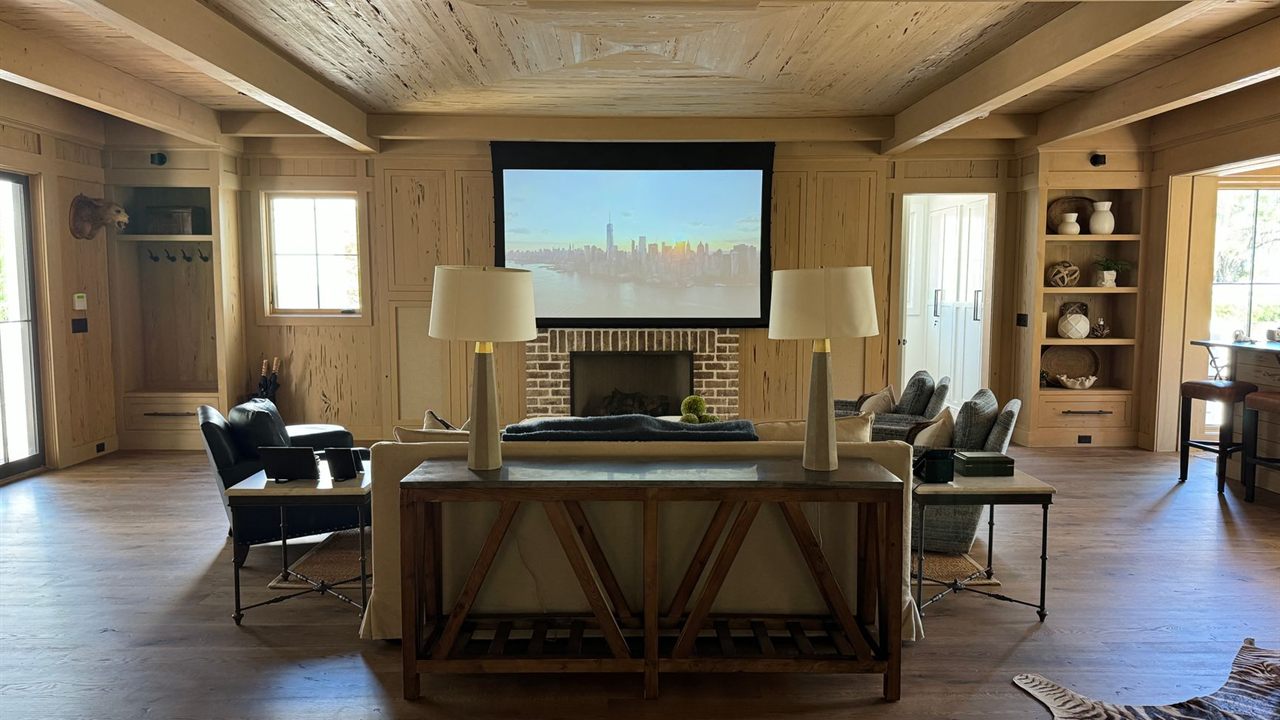
Choose the rack type for the location
Where the rack lives usually narrows the choice to one or two types. The table compares the common formats with examples from Bursma’s catalog.
| Rack type | Catalog example | Best location | Rear access |
|---|---|---|---|
| Wall-mounted swing gate | MIDSGR-20-12, 20 space | Utility rooms, closets, commercial back rooms | Gate swings out from the wall |
| Rotating slide rail system | MIDSRSR4-12, 12 space | Cabinets and millwork | Rack slides out and turns |
| Residential designer rack | MIDRDRS4, 24 space | Media rooms, visible spaces | Plan clearance behind or beside it |
| Stackable open frame | SANCFR1615-B1, 15U | Equipment rooms, flexible builds | Open on all sides |
| Full-height floor rack | VMPER-184, 46 spaces | Headends, commercial equipment rooms | Needs clearance behind |
The SANCFR1615-B1 listing describes a stackable skeleton rack that couples into 15U, 20U, 30U, 35U or 40U combinations, so one model grows with the job. The VMPER-184 is an EIA compliant 19-inch headend rack with an 84-inch rail height, 46 rack spaces and standard 10-32 threading, sized for distribution headends rather than a living room.

Check weight ratings and loading order
Every rack carries a load rating, and the mounting method changes it. The SANCFR1615-B1 listing quotes up to 600 lbs on the floor but up to 200 lbs mounted on a wall, and the VMPER-184 is rated at 400 lbs evenly distributed. Total the weights from your inventory and keep a margin below the rating.
Load heavy gear low. Amplifiers and power conditioners belong near the bottom, which keeps a floor rack stable and puts less strain on wall anchors and gate hinges. On a wall rack, fix into studs or blocking as the manufacturer specifies, never into drywall alone.
Rack ventilation for AV equipment
Heat is the most common reason a well-wired rack fails. Amplifiers and receivers in a closed closet with no air path run hot, and heat shortens component life or triggers protective shutdowns. AVIXA, the AV industry association, lists thermal management among the key criteria in its Rack Building for Audiovisual Systems standard, alongside rack mounting, cable management and finishing.
Plan airflow front to back through the rack and in and out of the room:
- Leave vent panels or open spaces above amplifiers and receivers that exhaust upward.
- Keep cable bundles off the rear of fans and vents.
- Give the closet a path for air: a louvered door or grille low for intake, and a vent or exhaust fan high for warm air.
- Add a thermostatically controlled fan where the space is enclosed, and check the noise level against the room it serves.
Open frame and rotating racks shed heat better than closed furniture, but the room around them still needs somewhere for the heat to go.
Plan power, cables and access
Put a rack-mounted power conditioner or surge protector at the bottom of the rack and feed every component from it; our guide to the power conditioner vs surge protector decision explains which one each job needs.
Separate power cords from signal cables along opposite sides of the rear rails, and label both ends of every run. If the system controls hidden gear by IR, plan where the emitters mount; see how an IR repeater controls hidden equipment. For distributed audio, the amplifier choice affects rack space too, which our 70V vs 8 ohm speaker systems guide covers.
Finally, check access. A rack in millwork needs a rotating or pull-out system, a wall rack needs clearance for the gate to swing, and a floor rack needs room to stand behind it.
Where to buy AV racks
All five racks named above are in the AV equipment racks category, with amplifiers in AV amplifiers and cable management in wire and cable management. The full range sits under the Audio - Video division.
Bursma Distributing has sold wholesale to dealers, installers and integrators since 1947, and dealers get pricing and availability from their Bursma sales representative. New installers can apply for a Bursma dealer account, and central Ohio dealers can call the Columbus, Ohio low-voltage branch at 614-299-9040.
Frequently asked questions
How many rack units do I need?
Add the height of every component in rack units, plus space for shelves, vent panels and power. Then add spare units for future equipment so upgrades do not mean a new rack.
How deep should an AV rack be?
Deeper than the deepest component plus its rear connectors and cable bend. A rack that only matches the chassis depth leaves no room for cables or air.
Do AV racks need fans?
Not always. An open rack in a ventilated room may cool passively, but an enclosed closet or cabinet with amplifiers usually needs an exhaust fan and a path for intake air.
What is the difference between an AV rack and a server rack?
Both use the 19-inch width and the same rack unit. AV racks are often shallower and come in residential, wall and rotating formats, while server racks are usually deeper enclosed cabinets built for IT equipment.