
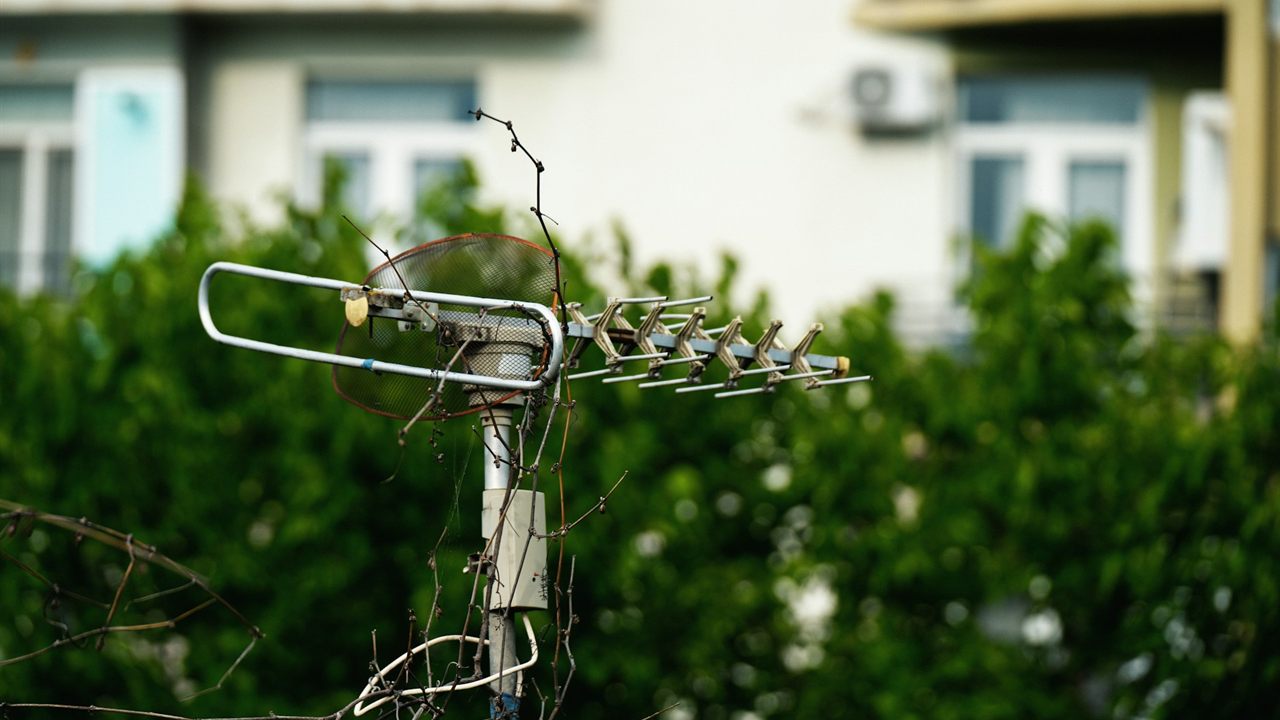
An outdoor TV antenna is a piece of metal with no moving parts, so it rarely fails on its own. When channels disappear, the cause is usually somewhere else: the coax, a connector, the preamp, the aim, or a station that has changed frequency. Knowing how to tell if TV antenna is bad comes down to matching the symptom to the likely cause and testing one part of the chain at a time.
How can you tell if a TV antenna is bad?
Look for visible damage first: bent or missing elements, a loose mast or a cracked housing. If the antenna looks sound, rescan the TV, then test the rest of the chain: connect a known good cable straight to one TV, bypass splitters, check the preamp has power and inspect connectors for corrosion. If none of that helps, the antenna or its aim is the problem.

Symptoms vs causes: a TV antenna troubleshooting table
Digital TV does not fade gracefully. A channel is either clean, breaking up into blocks and freezing, or gone, so the pattern of loss tells you more than picture quality does.
| Symptom | Likely cause | First check |
|---|---|---|
| One or two channels missing, rest fine | Station changed frequency, or a weak station | Rescan the TV |
| Loss after wind or a storm | Aim drift or physical damage | Look at the antenna and mast |
| Loss when it rains, fine when dry | Water in coax or a corroded connector | Inspect outdoor connectors |
| Nearly all channels gone at once | Failed preamp or its power supply | Check power at the inserter |
| Problem on one TV only | That TV’s cable, outlet or splitter port | Swap the TV to another outlet |
| Some channels lost after years of good reception | Station moved to a band the antenna covers poorly | Check the station’s RF channel |

Channel loss after weather: aim drift and wind
If reception changed after a storm and the rain has stopped, wind is the first suspect. A mast that has turned in its clamp or a bracket that has loosened moves the antenna off its bearing, and stations in that direction drop out first.
From the ground, compare the antenna’s heading with the direction it was set to. If it has moved, re-aim it with the steps in our guide on how to aim a TV antenna, then tighten the clamps and rescan. A mast that keeps turning needs a better mount, not just another adjustment.

Physical damage: what a bad antenna looks like
This is where an antenna really can be bad. Walk around and look with binoculars before anyone goes up.
- Elements bent, broken or missing, often after ice, a falling branch or birds.
- A cracked or split housing on an enclosed antenna, which lets water reach the feed point.
- The balun or matching transformer hanging loose, or its terminals green with corrosion.
- A leaning mast, a bent tripod leg or a loose guy wire.
A few bent elements may cost only part of a band, so damage can explain lost channels without total failure. Never climb onto a roof without proper fall protection, and keep clear of power lines.

Corroded connections and water in the coax
When reception is good in dry weather and fails in the rain, think water. A connector that was never sealed, a drip loop that is missing or a nicked jacket lets moisture into the cable, and wet coax loses signal all along its length.
- Unscrew each outdoor F connector. Green or white corrosion on the center pin or a wet dielectric means the connector, and often the end of the cable, must be replaced.
- Check the cable where it enters the building and at the grounding block.
- Replace rather than dry out water-damaged coax.
How much loss moisture and poor connectors add is covered in coax cable signal loss, and connector choice in compression vs crimp F connectors.
A failed preamp or preamp power supply
A mast-mounted preamp is powered over the coax from a small power inserter indoors. When it stops working, nearly every channel can vanish at once, because many preamps pass little or no signal without power. Check the maker’s documentation for how yours behaves.
- Confirm the inserter is plugged in and that any power light is on.
- Make sure no splitter sits between the inserter and the preamp unless it is designed to pass DC power.
- Measure DC voltage on the coax at the preamp end if you can, and compare it with the preamp’s rating.
- Replace a failed preamp and its power supply together, since parts from different kits may not be compatible.
If a preamp was added to fix weak reception and channels became worse, the preamp may be overloading; see how to choose an antenna preamplifier.
New RF channels after the repack: when nothing is broken
Sometimes nothing has failed at all. When the FCC repacked the TV band, many stations moved to new frequencies. The FCC told over-the-air viewers they would need to rescan their TV set each time a local station moves to a new frequency.
The channel number on screen does not change, which is why a missing station looks like an antenna fault. The FCC notes that the change in frequency affects how the channel is received over the air.
- Run a full channel scan from the TV’s setup menu, not an “add channels” scan.
- Rescan every TV in the building, and any tuner or converter on the system.
- If one station is still missing, look up its RF channel. A station that moved from UHF to a VHF channel can be weak on a UHF-only antenna; see UHF vs VHF antennas.
How to tell if TV antenna is bad: a test order
Change one thing at a time and rescan after each step, so you know which change fixed it.
- Rescan every TV.
- Connect one TV directly to the antenna feed with a short, known good cable, bypassing splitters and amplifiers.
- If a preamp is fitted, check its power, then try the system without it.
- Inspect and replace outdoor connectors and any wet coax.
- Check the aim and the mast, and look for physical damage.
- Only if every other part tests good, replace the antenna.
After any repair at the mast, confirm the bonding is still intact, as described in how to ground a TV antenna.
Where to find replacement antennas and parts
The outdoor TV antenna category lists replacement antennas, and the antenna preamplifier category lists preamps for the mast. Both sit in the antenna, tower and satellite division.
For pricing and availability, contact your sales representative through the Bursma contact page, or open a Bursma dealer account.
Frequently asked questions
Can a TV antenna go bad?
An outdoor antenna has no electronics of its own, so it usually fails only through physical damage or corrosion at its terminals. Preamps, connectors and coax fail far more often, so test those first.
Why did my antenna suddenly lose all its channels?
A sudden loss of nearly every channel usually points to something the whole system shares: a failed preamp or power inserter, a disconnected or wet cable, or a failed splitter. Check power and connections before the antenna.
Why do I lose channels when it rains?
Rain that reveals a problem usually means water is getting into a connector or the coax. Inspect and reseal the outdoor connections, and replace any cable that has taken in water.
Do I need to rescan after fixing an antenna problem?
Yes. Rescan after every change, since the TV only lists channels it found in its last scan. The FCC also asks antenna viewers to rescan whenever a local station moves to a new frequency.