

Customers ask for wireless because it sounds simpler, and sometimes it is. The wired vs wireless security cameras decision is really about power, recording and how much the link can be trusted at each mounting point. Get it right per location and the system records when it matters; get it wrong and the clip that was needed never reached the recorder.
Are wired or wireless security cameras better?
Wired cameras are better for continuous, high resolution recording and long term reliability, because one cable carries power and video with no radio link to drop. Wireless cameras are better where running cable is impractical or temporary. Many jobs use both: wired for the critical views, wireless or battery units for the hard to reach spots.
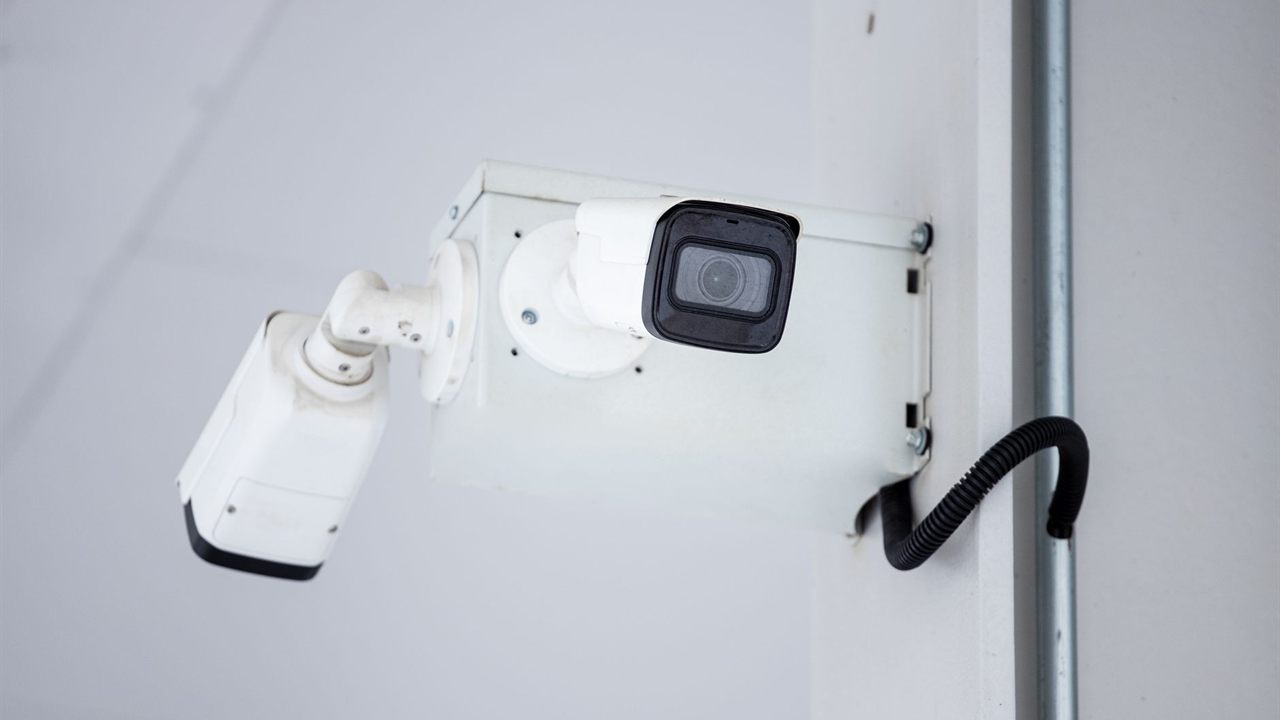
Wired vs wireless security cameras compared
“Wireless” covers two very different products: plug-in Wi-Fi cameras and battery powered, wire-free cameras. The table compares both with a wired PoE camera.
| Factor | Wired (PoE) | Wi-Fi, plug-in power | Battery, wire-free |
|---|---|---|---|
| Power | Over the network cable | Local outlet or adapter | Rechargeable battery, sometimes a solar panel |
| Video path | Ethernet to a recorder or switch | Wi-Fi to the router or access point | Wi-Fi or a base station |
| Recording | Continuous or event based | Continuous possible, limited by Wi-Fi | Usually motion triggered clips only |
| Weak points | Cable runs, installation labour | Signal strength, interference, outlet location | Charging visits, missed events, cold weather |
| Best fit | Perimeters, entrances, businesses | Indoor rooms, short Wi-Fi hops | Rentals, temporary sites, no power nearby |

What “wireless” really means on a job
Most cameras sold as wireless still need a power cord; only the video travels by radio. A true wire-free camera runs on a battery and wakes when it detects motion. There is also a third case installers use often: wired IP cameras at a remote building whose network is linked back over a point-to-point radio bridge.
That bridged setup keeps the cameras on PoE and only puts the backhaul on radio, using directional antennas with a clear line of sight. Our guide on how to plan a point-to-point wireless link covers the path, the antennas and the fade margin.

Wired PoE cameras: the reliable default
A PoE camera takes power and data over one network cable, so there is no outlet to find at the mount and no radio link to fail. The recorder or switch powers the camera, which means a single UPS at the head end can keep the whole system running through a power cut.
- Continuous recording: full time recording at high resolution without loading the customer’s Wi-Fi.
- Distance: a standard Ethernet run is limited to 100 meters (328 feet); beyond that, add a switch or extender.
- Power budget: heaters, IR and PTZ motors draw more; see our guide to the PoE budget for IP cameras.
Cable choice matters too: our comparison of Cat5e vs Cat6 for security cameras covers it, and DVR vs NVR explains when an existing coax system can stay in place.

Battery security camera pros and cons
Battery cameras solve the hardest locations: a gate, a detached shed, a rental unit where drilling is not allowed. They also bring their own service burden.
- Pros: no cable or outlet, quick to mount and move, nothing to trace through walls, useful as a temporary or supplemental view.
- Cons: recording is usually short clips on motion, not continuous; a busy view drains the battery faster than the rated figure; cold weather reduces battery capacity; someone has to recharge or swap batteries.
- Watch: the camera wakes on motion, so the first second or two of an event can be missed. Check how the maker handles pre-roll before promising coverage.
Treat the maker’s battery life rating as a typical-use estimate and set the customer’s expectations accordingly.
Wi-Fi camera for installers: survey first
A plug-in Wi-Fi camera is only as good as the signal at its mounting point, and that point is usually outside, behind brick, stucco or foil-faced insulation. Measure the signal where the camera will actually hang, not at the front door.
- Signal: check strength and stability at the mount with the doors closed.
- Load: several high resolution cameras streaming continuously can saturate a home access point; each adds a steady upload.
- Band: 2.4 GHz travels farther through walls; 5 GHz carries more data over shorter distances.
- Power: confirm an outlet or a weatherproof power source at the mount.
- Storage: decide where video lives: an onboard card, a local recorder or a cloud service.
Where the signal is marginal, adding infrastructure from the broadband and WiFi division often costs less than a callback.
Security and privacy for networked cameras
Any camera on a network is a computer that can be attacked, wired or not. A radio link adds another exposure: interference can interrupt it, while a cable usually needs physical access to cut.
The Federal Trade Commission’s guidance on securing internet-connected devices at home tells owners to change default usernames and passwords, update device firmware and apps regularly, and turn on two-factor authentication where offered. For security cameras specifically, it advises checking the camera’s access logs for unauthorized access. Hand those steps to the customer at turnover, and never leave a default password on a camera or recorder.
Wi-Fi cameras add the wireless network itself to the checklist. The FTC’s separate home Wi-Fi advice recommends WPA3 or WPA2 Personal encryption, a changed router admin password and current router software. A camera is only as private as the network it joins, so check those settings before adding cameras to a customer’s router.
Choosing per location, not per system
The best answer to wired or wireless is often both. Walk the site and decide camera by camera:
- Entrances, driveways, cash areas and anything evidence may depend on: wired PoE.
- Indoor rooms near a strong access point: Wi-Fi is acceptable.
- Gates, sheds and places with no power or cable path: battery, or a bridged wired camera.
Count the service time as well as the install time. A wired camera is labour up front and little afterwards. A battery camera is quick to hang, but every charging visit or battery swap is a truck roll unless the customer handles it, so agree who looks after the batteries before the job is signed off.
The same thinking applies to the rest of the system; our article on wireless vs hardwired alarm sensors weighs similar trade-offs for intrusion devices.
Where to buy security cameras
See the Bursma wireless cameras category, the wired security cameras category and DVR and NVR recorders, all in the security, surveillance and control division. For pricing, contact your sales representative.
If you install for a living, open a Bursma dealer account, or contact the Columbus, OH branch.
Frequently asked questions
Do wireless security cameras need internet?
Not always. Many record to an onboard card or a local recorder over the local network. Internet access is needed for remote viewing, phone alerts and cloud storage.
Do wireless security cameras need power?
Most do: a plug-in Wi-Fi camera needs an outlet or adapter. Only battery cameras are truly wire-free, and they need recharging or a solar panel.
Can wireless cameras record 24/7?
Plug-in Wi-Fi cameras often can, if the signal and bandwidth hold up. Battery cameras generally record motion clips only, to save power.
Are wired cameras harder to hack?
Not by default. A wired camera avoids radio interference, but it still needs a changed password and current firmware like any networked device.