
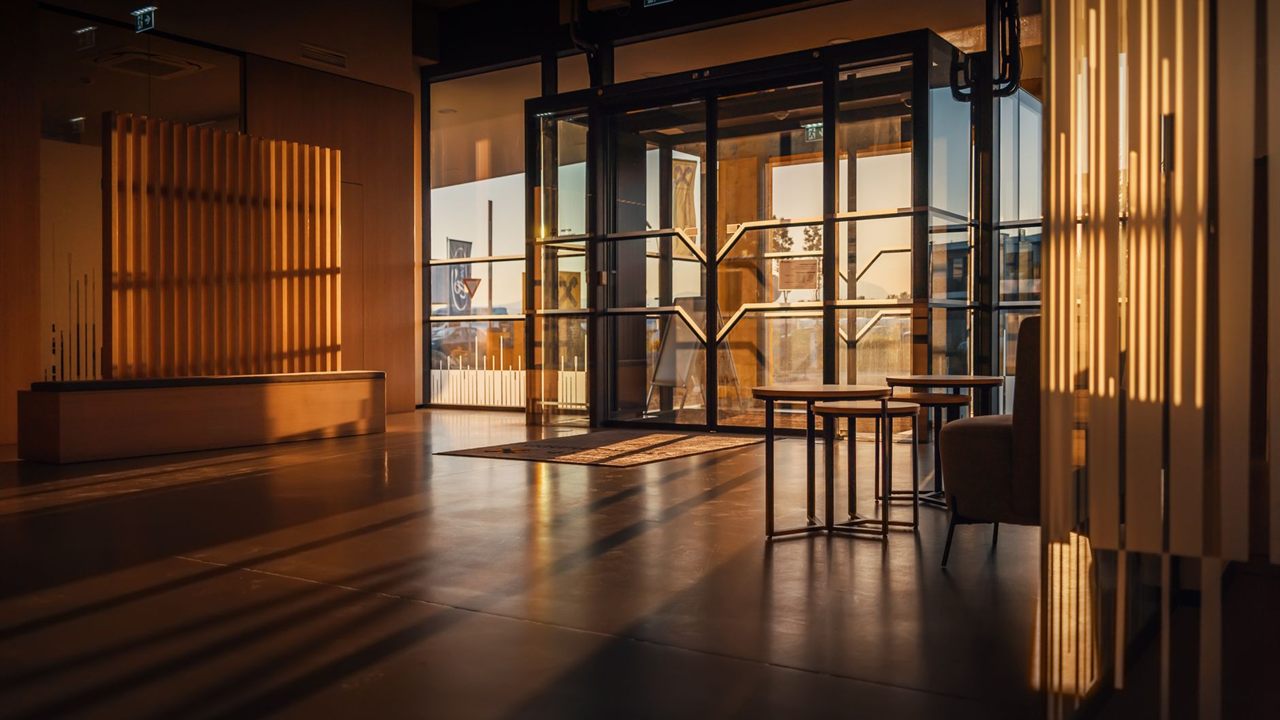
Point a camera at a glass entrance on a sunny afternoon and you get one of two pictures: a bright doorway with a black silhouette in it, or a visible face against a sky burned to white. A WDR security camera is built for that scene. Wide dynamic range helps a camera hold detail in the brightest and darkest parts of the same frame, but set too high, it causes the washed out, ghosted pictures installers complain about. This guide covers what WDR does, the types you will see on data sheets, and how to set it.
What does WDR do on a security camera?
WDR (wide dynamic range) lets a security camera show detail in bright and dark areas of the same scene, such as a face inside a sunlit doorway. True WDR merges two or more exposures of each frame; digital WDR brightens shadows after capture. Use it where backlight is a problem and keep the level as low as works.

What dynamic range means for a camera
Dynamic range is the spread between the darkest and brightest parts of a scene that a camera can record with detail in both. A sensor taking one exposure has to choose: expose for the bright doorway and the person inside goes dark, or expose for the person and the doorway turns white.
A WDR camera works around that limit, then has to squeeze the result into a picture a normal monitor can show. Researchers at the Hebrew University of Jerusalem, in their work on high dynamic range compression, list halos and loss of local contrast as common artifacts of that squeezing. Those artifacts are exactly what a WDR image looks like when the setting is pushed too far.

Where a WDR security camera helps
WDR earns its place where a bright area and a dark area share the frame, and the subject is in the dark part:
- Entrance doors and vestibules: an indoor camera facing glass doors in daylight. Washed out images at entrance doors are a common problem cited in FBI CCTV recommendations.
- Windows behind a counter or desk: faces in front of a bright window.
- Loading docks and garage doors: a dark bay looking out to a sunlit yard, or the reverse.
- Parking structure exits: a dim ramp opening onto daylight.
- Night scenes with headlights or bright fixtures: though infrared problems at night are a separate issue, covered in security camera IR reflection.
An evenly lit corridor or an open yard rarely needs it, and switching WDR on there only adds its side effects.

True WDR vs digital WDR vs BLC and HLC
Data sheets use several terms that do different jobs. True WDR, also called multi-exposure or sensor WDR, captures a short and a long exposure for each frame and merges them. Digital WDR takes one exposure and brightens the shadows in processing. Backlight compensation (BLC) and highlight compensation (HLC) are simpler exposure tools.
| Feature | How it works | Strength | Weakness |
|---|---|---|---|
| True WDR | Merges two or more exposures per frame | Real detail in bright and dark areas | Ghosting on fast motion; on some cameras a lower maximum frame rate |
| Digital WDR | Lifts shadows after a single exposure | Works on any sensor | Cannot recover a burned out highlight; adds noise in shadows |
| BLC | Exposes for a chosen area, letting the rest go bright | Simple, few artifacts | The background is washed out |
| HLC | Masks or dims the brightest spots, such as headlights | Plates and faces near lights | Can darken the whole scene |
One way installers tell the two WDR types apart is to check whether the camera’s maximum frame rate drops when WDR is switched on, since some multi-exposure cameras need two captures per frame. If the data sheet is unclear, ask the maker.

Why WDR dB ratings do not compare
Data sheets often quote WDR as a figure in decibels, and a higher number looks better. In practice the figures are set by each maker using its own method, so one maker’s number cannot be compared with another’s. Installers in trade forums report cameras with modest dB figures beating cameras with much larger ones in side by side tests.
The international standard for surveillance camera data, IEC 62676-5, exists to define how performance values on data sheets and brochures are described and measured. When a maker states that its figure was measured to a named method, that is more useful than a bare number. Better still, test the camera on the actual scene, or ask for sample footage of a backlit entrance.

WDR washed out image and other side effects
Most complaints about WDR come from running it harder than the scene needs. The common symptoms:
- Flat, washed out picture: strong WDR compresses contrast, so everything looks grey and low in color, even in areas that were fine.
- Halos: bright outlines around people standing against a window.
- Motion ghosting: on multi-exposure WDR, a fast subject is caught at slightly different moments in each exposure and appears doubled or smeared. Forum users report it is worse in low light.
- Noise: lifting dark areas also lifts the grain in them, most visibly with digital WDR.
The fix is to keep WDR as low as works. Set it on site, at the time of day the backlight is worst, then walk a person through the doorway and check the face and the motion. Turn it off for scenes that do not need it, and check that a day/night schedule is not leaving a high level running after dark.
Placement fixes before WDR settings
The easiest dynamic range to handle is the light you keep out of the frame. Before turning the setting up, look at where the camera sits:
- Mount beside the door looking in, or outside looking at the door, rather than inside looking out at daylight. Height and angle are covered in security camera mounting height.
- Tighten the view. A narrower field of view on a varifocal camera can crop the bright sky or glass out of the frame.
- Pick a housing that suits the scene. A dome bubble facing bright light can add reflections; the trade-offs are in turret vs dome camera.
- Add light to the dark side. A brighter vestibule or dock interior narrows the range the camera has to handle.
Where to find security cameras
The security cameras category lists cameras, and the recorders category lists recorders to pair them with, both in the Security, Surveillance and Control division. For pricing, availability and which models suit a backlit entrance, ask your sales representative through the Bursma contact page, or open a Bursma dealer account.
Frequently asked questions
Should WDR be on or off?
On only where the scene has bright and dark areas together, such as a backlit door. Elsewhere leave it off, and where it is on, use the least WDR that still shows the face.
What is the difference between WDR and BLC?
BLC exposes for the subject and lets the background go bright. WDR tries to keep detail in both, using multiple exposures or processing.
Is a higher WDR dB rating better?
Not across brands. Each maker measures its own way, so compare cameras on the same scene instead.
Why does my camera look washed out with WDR on?
The level is higher than the scene needs, compressing the contrast. Lower it step by step until the picture regains contrast while the subject stays visible.