

Two boxes of Cat6 can look identical on the shelf and behave very differently on the job. One has a single solid copper wire in each conductor; the other has a bundle of fine strands. The stranded vs solid ethernet cable question decides where each one belongs: in the walls, at the punch-down, or in the cords that plug into switches and devices. Get it wrong and the link may still pass a quick test, then fail later from broken conductors or loose terminations.
What is the difference between stranded and solid Ethernet cable?
Solid Ethernet cable has one solid copper wire per conductor. It is the cable for horizontal runs in walls and ceilings, terminated on punch-down jacks and patch panels. Stranded cable uses many fine wires per conductor, so it flexes without breaking, and it belongs in patch cords between jacks, panels and equipment.
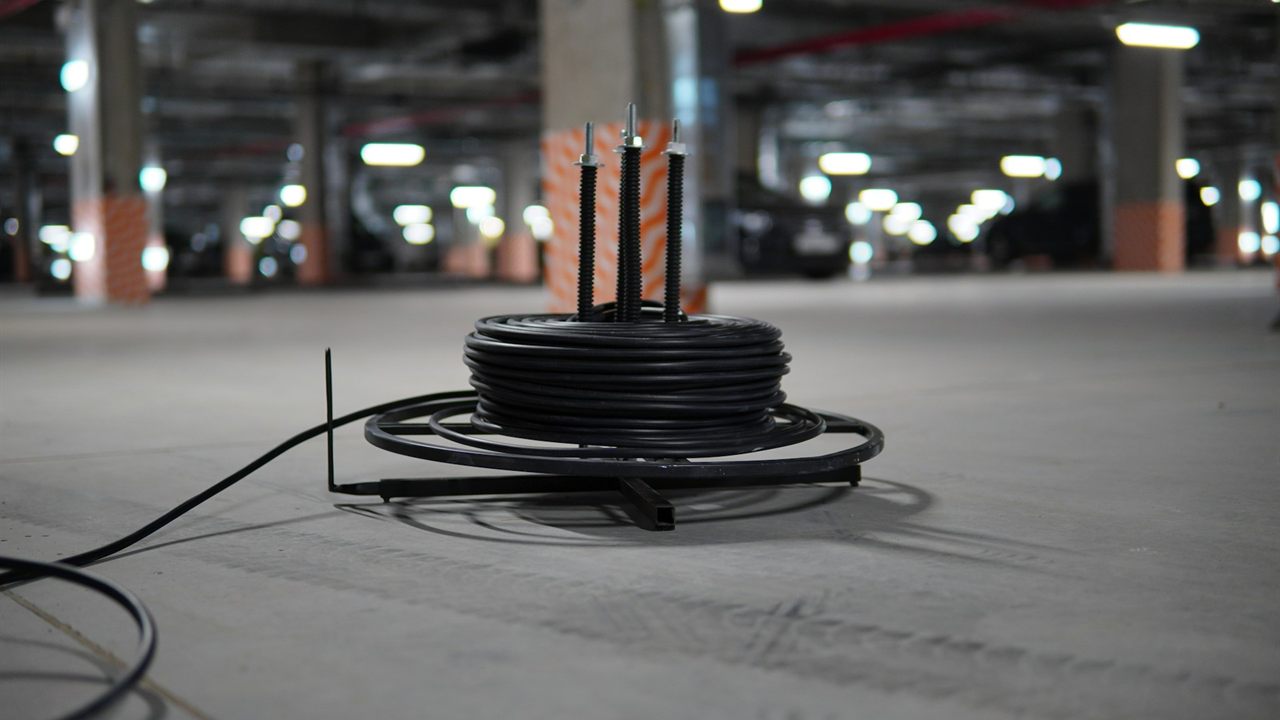
Stranded vs solid ethernet cable compared
The difference is inside the insulation, so check the box or the reel label rather than the jacket colour. The table sums up how the two are used in a structured cabling system built to TIA-568.
| Point | Solid conductor | Stranded conductor |
|---|---|---|
| Construction | One copper wire per conductor | Several fine wires twisted into each conductor |
| Where it goes | Horizontal runs in walls, ceilings and pathways | Patch cords and equipment cords |
| Flexing | Made to be installed once and left alone | Made to bend and be re-plugged |
| Terminated on | Punch-down jacks and patch panels | Plugs rated for stranded conductors, usually factory fitted |
| Usually sold as | Bulk cable on reels or in boxes | Finished patch cables in set lengths |
How to tell them apart on site
If the label is missing, strip a short length of one conductor. A single bright copper core means solid; a cluster of fine wires means stranded. Solid cable also holds a bend when you shape it by hand, while a stranded cord springs back. Keep offcuts of each type in separate bins so a reel end never turns into a patch cord by accident.

Solid core Cat6 for horizontal runs and punch-downs
The horizontal cable is the permanent part of the link, from the patch panel in the telecom room to the outlet in the work area. Owners’ cabling specifications call for solid conductors here. The University of Houston horizontal cabling specification, for example, requires solid copper, 24 AWG, four-pair Category 6 cable for all voice and data horizontal runs, terminated on insulation displacement connectors.
That pairing is the reason solid core Cat6 dominates the walls. A punch-down jack or panel cuts through the insulation and grips the conductor in a slot, and a single solid wire holds that contact firmly. Most punch-down jacks are made for solid conductors, so check the jack’s rating. The steps are in our guide on how to punch down a keystone jack, and the pin order in our T568A vs T568B wiring guide.
Solid cable is stiffer, which suits a run that is pulled once and then supported in a pathway. It is not made for repeated bending, so it does not belong in a cord that moves.
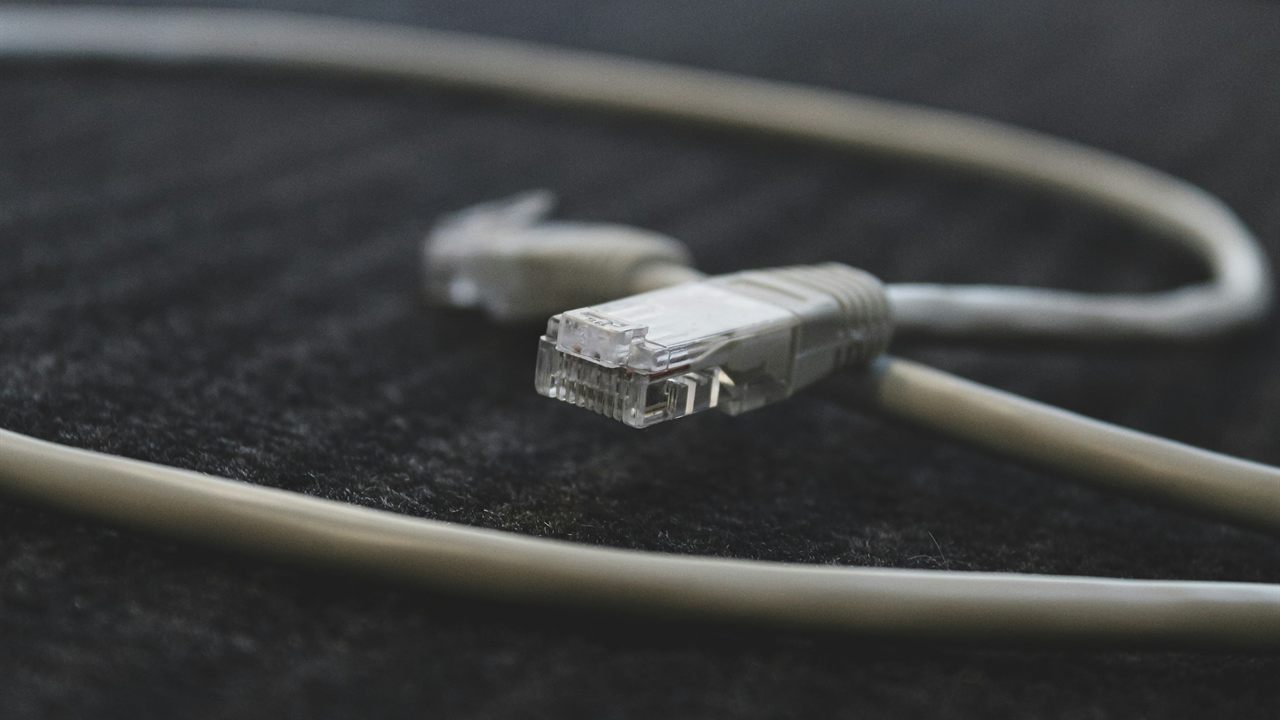
Stranded patch cords for anything that moves
Patch cords get bent at the panel, coiled behind desks and unplugged during moves. Stranded conductors spread that flexing across many fine wires, which is why cords use them. The Texas State University connecting cords specification puts it plainly: patch cables shall always be made from stranded copper wire to withstand the flexing associated with patch cords.
The same specification rejects field-terminated patch cords. It notes that cords assembled on site from leftover solid-conductor cable often fail to reach Category 6 performance and cannot be properly tested with field equipment, and it requires factory-assembled cords matched to the horizontal cable category.
- Use factory-made stranded cords between patch panels and switches.
- Use them again from the wall outlet to the device.
- Match or exceed the category of the horizontal cable.

Patch cable vs bulk cable: how long the cords can be
Bulk cable is the solid cable you pull through the building; patch cables are the short stranded cords at each end. Cord length is limited as well as cable type. The University of Houston specification, written to TIA-568-B, caps the horizontal distance at 295 ft and says cords in the telecom room cross-connect should not exceed 5 m (16 ft), with all cords in one channel, work area plus telecom room, totalling no more than 10 m (33 ft).
A worked example, assuming a 2 m cord from panel to switch and a 3 m cord at the desk: 2 + 3 = 5 m of cords, well inside the 10 m total. Swap the desk cord for a 10 m coil and the channel is over the limit before the run itself is counted. How category affects the run is in our guide to Cat5e vs Cat6 for security cameras.
TIA-568 also has provisions for open offices that allow longer work-area cords in exchange for shorter horizontal runs. Check the current edition of the standard before designing to them.
Common mistakes with solid and stranded cable
- Stranded cable pulled through walls. Patch cord cable on a reel is not horizontal cable; use solid cable rated for the space, as our CMR vs CMP cable guide explains.
- Solid offcuts turned into patch cords. Solid conductors are not made for repeated flexing, so a cord made from them risks a cracked conductor and a callback.
- Tight bends. Both specifications above set a minimum bend radius of four times the cable diameter for UTP cable and patch cords.
- Cords dangling from the panel. Supported, labelled cords last longer; see our network rack cable management guide.
Match the plug to the conductor type
An RJ45 plug’s contacts are designed to grip a specific kind of conductor. Some plugs are made for stranded wire, some for solid, and some are rated for both. A plug made for stranded cord fitted to solid cable may not seat its contacts properly, and the reverse can also give a poor connection.
Read the plug’s packaging before you crimp. Where a solid horizontal run must end in a plug at a device, use a plug rated for solid conductors and test the finished link. For ordinary patching, buy factory-terminated cords instead of making them.
Where to find bulk cable and patch cords
The Bursma finished cables category is the place for factory-made cords, such as the 7 foot white Cat 6 patch cable. The bulk wire category and connectors category sit in the same wire, cable and connector division. For pricing and availability, ask your sales representative through the Bursma contact page, or apply for a Bursma dealer account.
Frequently asked questions
Can I use stranded Ethernet cable inside walls?
It is not the right cable for a horizontal run. Specifications call for solid conductors in the permanent link and limit stranded cable to cords.
Is solid Ethernet cable better than stranded?
Neither is better everywhere. Solid suits fixed runs and punch-down terminations; stranded suits cords that bend and get re-plugged.
Can I put an RJ45 plug on solid cable?
Yes, if the plug is rated for solid conductors. Check the packaging, because many plugs are made only for stranded wire.
Can I make patch cords from leftover bulk cable?
Avoid it. Field-made cords from solid cable often fall short of their category, and some owners’ specifications forbid them.