
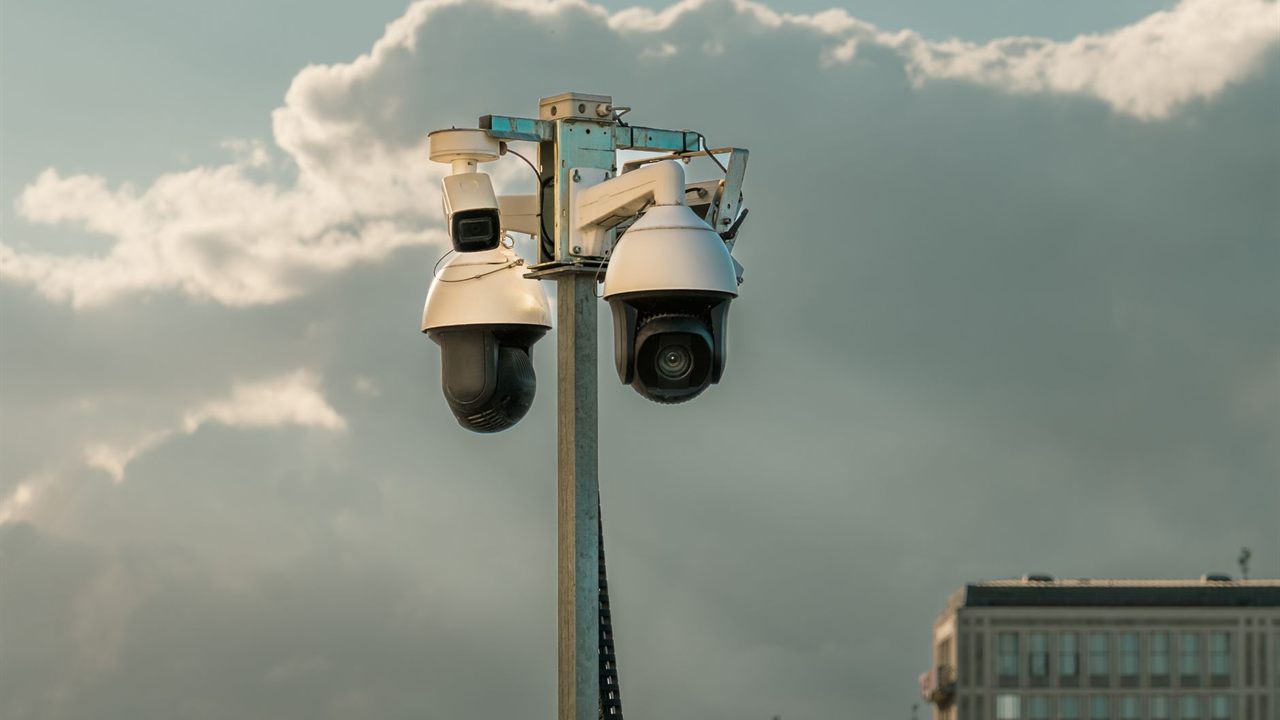
A customer points at a parking lot and asks for “one of those cameras that moves.” Before you quote it, settle the ptz vs fixed camera question properly: a PTZ camera can cover a lot of ground and zoom in on detail, but it only records where it is pointing. This guide covers what each does well, the coverage gap, zoom, wear and recording load, and how to pair them.
PTZ vs fixed camera: which should you install?
Install fixed cameras for the coverage that must be recorded all the time, such as entrances, gates and registers. Add a PTZ camera where an operator will steer it to follow people or zoom in on detail across a wide area. A PTZ records only the direction it faces, so it supplements fixed cameras rather than replacing them.

PTZ vs fixed camera at a glance
A fixed camera has one field of view, set at installation, and records it continuously. A PTZ (pan, tilt, zoom) camera has motors that swing the view left and right, up and down, and a motorized lens that narrows or widens the scene on command. The table sets out the practical differences.
| Factor | Fixed camera | PTZ camera |
|---|---|---|
| Coverage | One view, recorded all the time | Wide area, but one direction at a time |
| Detail at distance | Set by the lens chosen at install | Optical zoom on demand |
| Best use | Entrances, gates, registers, evidence | Live follow-up, large open areas |
| Operator needed | No | To get full value, yes |
| Moving parts | None (varifocal lens set once) | Pan and tilt motors, zoom lens |
| Recording load | Steady; motion recording works well | Higher; the scene changes as it moves |
What a fixed camera does well
A fixed camera is always looking at the thing you installed it to watch. If someone walks through the front door at 3 a.m., the camera on the door has the footage, whether or not anyone was watching live. That is why recorded evidence on most jobs comes from fixed cameras.
Fixed does not mean inflexible. A varifocal lens lets you set the field of view during commissioning and then leave it, and style choices such as dome or turret are covered in our turret vs dome camera comparison. Getting the height and angle right matters more than the type; see how high to mount a security camera for that.
What a PTZ camera does well: presets, patrols and tracking
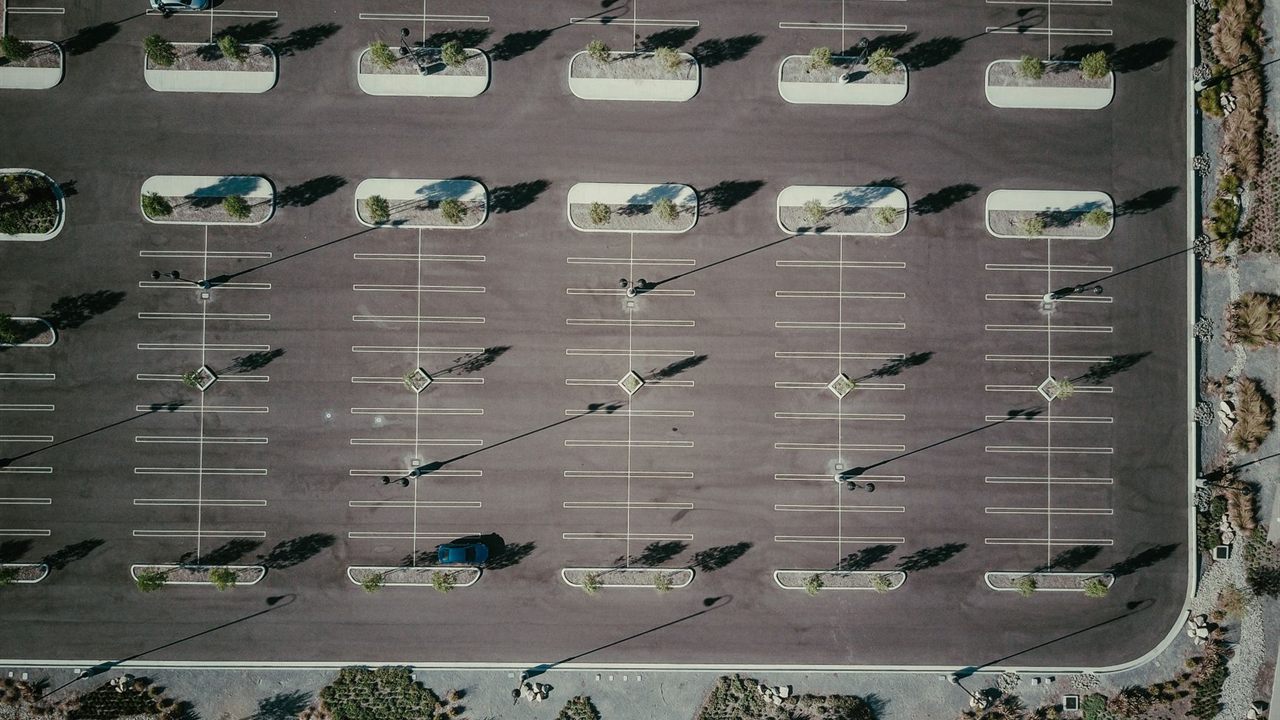
A PTZ camera earns its place on wide spaces: parking lots, yards, campuses, building perimeters and large open floors. One unit can swing from a far gate to a loading area and zoom close enough to see what a person is carrying.
- Presets are saved positions (direction plus zoom) that an operator recalls with one button, or that an alarm input calls up automatically.
- Patrols or tours step the camera through a list of presets on a timer when nobody is driving it.
- Home or park position is where the camera returns after a set idle time; choose it as carefully as a fixed camera’s view.
- Auto tracking, on models that offer it, follows a moving object without an operator.
Specifications for monitored sites often require these features. The Washington State Department of Corrections design guidelines, for example, call for PTZ cameras to be programmable to at least twelve preset aim and zoom points, and allow PTZ control to be prioritized by workstation so two operators do not fight over one camera.

The camera looking the wrong way
This is the biggest PTZ camera con, and the reason most designs treat it as a supplement. A PTZ on a patrol spends most of each cycle pointed somewhere other than where the event happens. If it is zoomed in on the far gate when a door is forced on the other side of the building, there is no recording of the door.
The same Washington State guidelines put it plainly: pan-tilt-zoom cameras should not be used to meet the primary coverage requirements. Their design approach uses fixed cameras for coverage, with designated areas supplemented by PTZ cameras for high detail. The rule transfers well to commercial sites.
The gap also appears when an operator does use the camera. While it is zoomed on one incident, everything it normally covers goes unwatched, so ask which fixed camera covers that area in the meantime.

Optical zoom vs digital zoom
Optical zoom moves lens elements to narrow the field of view, so the whole sensor is spent on a smaller scene and real detail increases. Digital zoom crops the image and enlarges the pixels that are left; it adds no new detail. PTZ cameras are judged on their optical zoom, and spec sheets often list both, so read which figure is which.
A quick calculation shows the difference. Assume a camera producing an image 3840 pixels wide. At 4x digital zoom it keeps 3840 / 4 = 960 pixels across the cropped area and stretches them to fill the screen. At 4x optical zoom the same 3840 pixels cover a scene a quarter as wide, so a face or plate gets four times as many pixels across it.

Mechanical wear, bandwidth and storage
A fixed camera has no moving parts once the lens is set. A PTZ has pan and tilt motors, gearing and a zoom mechanism that work every time it moves, and a continuous patrol keeps them working all day. Expect periodic service: checking that presets still land where they should, cleaning the dome bubble, and following the maker’s maintenance schedule.
Movement also changes the recording load. Compression saves the most when the scene is still, and motion-based recording relies on stillness to skip frames. A camera that is panning or touring changes every frame, so it tends to record more and save less than a fixed camera at the same resolution and frame rate. Work out the drive size with our guide to how much storage security cameras need, and check that the recorder supports PTZ control; the DVR vs NVR guide explains the recorder side.
Motors and outdoor heaters also mean a PTZ usually needs more power than a fixed camera; confirm the power source first.
Pairing a PTZ with fixed cameras
When to use a PTZ camera comes down to one question: will someone steer it, or will an alarm steer it? If yes, a PTZ adds a lot. If the site is unmonitored and footage is only reviewed after an incident, more fixed cameras usually give better evidence.
- Cover every entrance, gate and critical point with a fixed camera first.
- Add fixed wide views of the open area so the whole space is always recorded.
- Place the PTZ high, where it can see the whole area, on a pole or wall mount rated for its weight.
- Set presets on the points operators check most, and link alarm inputs or analytics to call them up.
- Set a sensible home position and a patrol only for the hours nobody is watching.
Where to find cameras for the job
The security cameras category lists the cameras in the security, surveillance and control division, and the video recorders category lists the recorders to go with them. For pricing and availability on a specific camera, contact your sales representative through the Bursma contact page or call the Wyoming, MI branch near Grand Rapids. New customers can open a Bursma dealer account.
Frequently asked questions
Can a PTZ camera replace several fixed cameras?
It can view the same area, but it cannot record all of it at once. It works best as a supplement to fixed cameras that keep recording the key points.
What are the main PTZ camera pros and cons?
The pros are wide coverage from one mounting point and optical zoom on demand. The cons are that it records only where it points, it has moving parts to maintain, and it tends to use more bandwidth and storage.
Does a PTZ camera need someone watching it?
Not to run, since patrols and alarm presets work unattended. To get its full value, though, an operator or an alarm input should be directing it.
Is digital zoom good enough on a security camera?
Digital zoom only enlarges pixels already captured. For identifying faces or plates at distance, rely on optical zoom or a fixed camera with the right lens.