
A dim, yellowed picture or a lamp warning light usually means the projector is near the end of its lamp. Knowing how to replace a projector lamp safely matters: the lamp runs hot, sits under high pressure and contains mercury. This guide covers how to confirm the lamp is the problem, how to choose between a housed and a bare lamp, the swap itself, and how to handle the old lamp afterwards.
How do you replace a projector lamp?
Turn the projector off, let the fans finish, unplug it and let it cool for the time the manual gives, often at least an hour. Remove the lamp cover, loosen the lamp screws and lift the module out by its handle. Seat the new lamp without touching the glass, tighten the screws, refit the cover and reset the lamp timer.
Signs the projector lamp needs replacing
Lamps fade gradually: brightness drops, colors shift and the image may flicker. Most projectors also track lamp use with a timer in the menu and light a lamp indicator or show a message as the lamp nears its rated life.
Before you order, rule out the other common causes of a dim or shut-down projector:
- A clogged air filter or blocked vents, which can trigger temperature shutdowns that look like lamp failure.
- A lamp cover that is not fully closed. Many projectors have an interlock that stops the lamp from striking until the cover is seated.
- A temperature or fan warning rather than a lamp warning. The manual explains what each indicator pattern means.
Choosing the right replacement lamp
Every projector takes a specific lamp. Find the lamp part number in the projector manual or on the label near the lamp door, then match it exactly. A lamp that looks similar may not fit or ignite correctly.
The replacement projector lamps in Bursma’s Lamps category are listed by part number. Some listings are bulb only, and the bare-lamp notes point out that a round original reflector and a square one take different part numbers. Check the original before you order.
Projector lamp with housing vs bare lamp
Replacement lamps come two ways. A housed lamp is the complete module: bulb, reflector, frame, wiring and connector, ready to slide in. A bare lamp is the bulb and reflector only, and you transfer it into the old housing. The projector lamp with housing vs bare lamp choice comes down to labor, risk and the condition of the old frame.
| Factor | Lamp with housing | Bare lamp |
|---|---|---|
| What you get | Complete module, ready to install | Bulb and reflector only |
| Labor on site | A few screws | Disassemble the old housing and transfer the bulb |
| Alignment | Set at the factory | Depends on seating it correctly in the old frame |
| Handling risk | Low, glass stays enclosed | Higher, you handle the bulb and old wiring |
| Best fit | Most service calls and ceiling mounts | Housing in good condition, bench work |
For most field work the housed module is the safer choice. The PLID95-LMP lamp with housing is an example; bare lamps such as the PLIRPE022 bare replacement lamp suit a bench repair where the old housing is sound.
Safety before you start
The projector maker’s manual is the authority for each model, so read its lamp section first. These precautions apply to nearly every lamp-based projector:
- Never open the lamp door on a running or hot projector. Let the cooling fans finish, unplug the power cord and wait. Several manufacturer guides call for at least an hour.
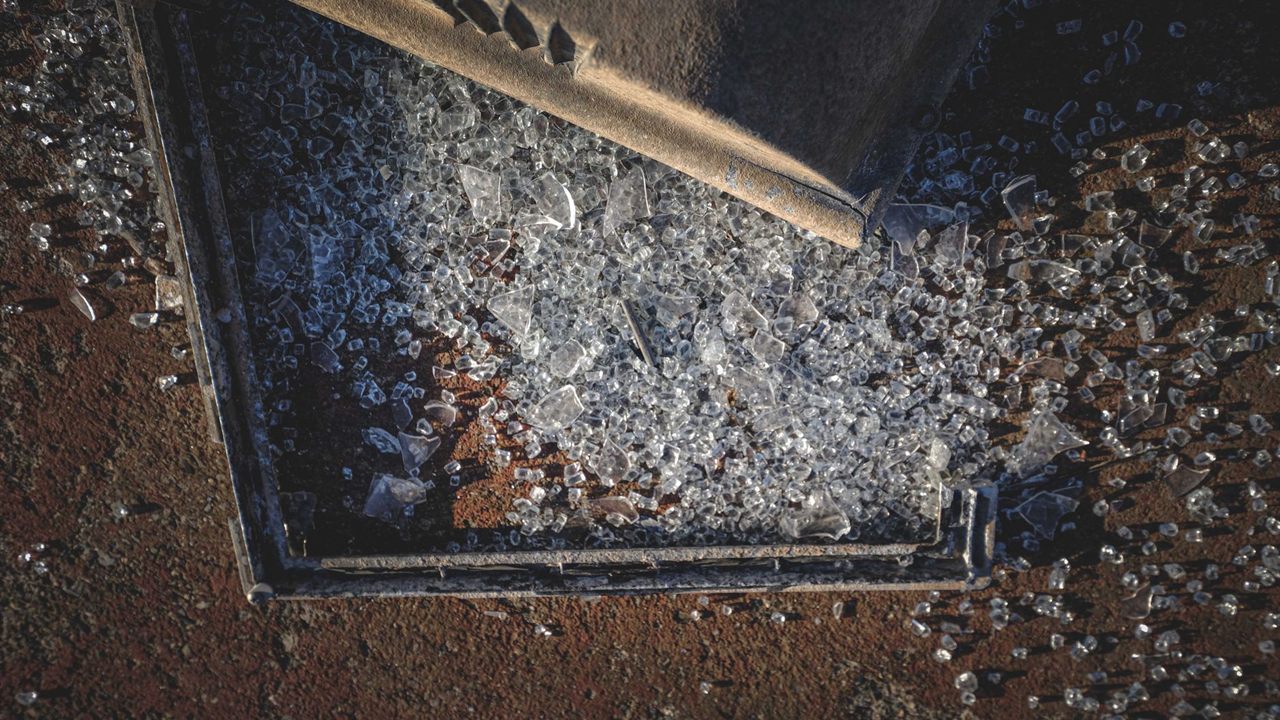
- Assume the old lamp may be broken. Projector lamps run under high pressure and can rupture at end of life, leaving glass inside the housing.
- Do not touch the glass of the new lamp. Skin oil on the bulb or reflector can shorten its life.
- Never power the projector with the lamp cover off.
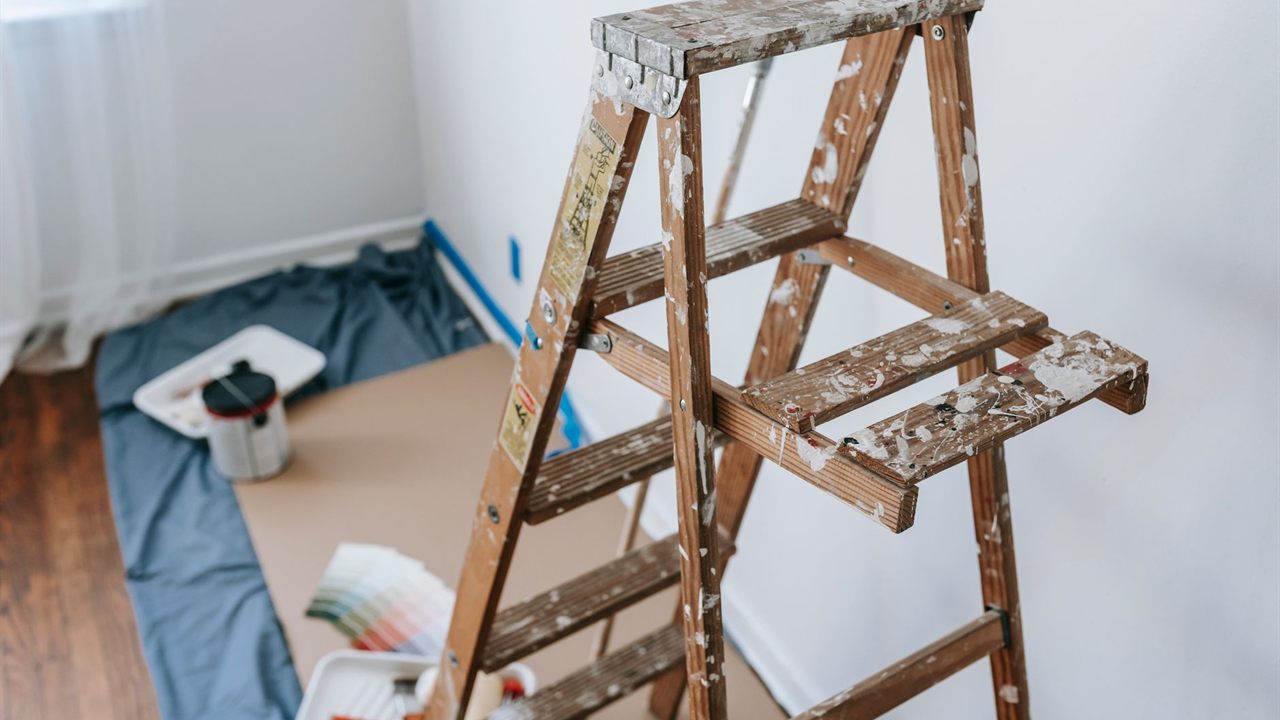
On a ceiling mount, the lamp door often faces the floor. Work from a stable ladder, wear eye protection, and open the cover slowly so any loose glass stays in the housing rather than falling toward you.
How to replace a projector lamp, step by step
Exact steps vary by model, but the sequence is consistent:
- Power the projector off with the remote or button and wait for the fans to stop.
- Unplug the power cord and let the unit cool for the full time in the manual.
- Loosen the lamp cover screw and slide or lift the cover off.
- Loosen the lamp screws. They are usually captive and stay in the module.
- Lift the handle and pull the lamp straight out. If it resists, check for a screw you missed rather than forcing it.
- Slide the new lamp in along its guide, in the same orientation, until it is fully seated.
- Tighten the screws, fold the handle down and refit the cover securely.
- Plug in, power on and reset the lamp timer.
For power quality, see our guide to power conditioners vs surge protectors for AV systems.
Reset the timer and test the image
The lamp timer does not know you changed the lamp. Reset it from the menu or the button sequence in the manual, otherwise the projector keeps warning about an old lamp and may shut it off early. Then check brightness, color and warning lights.
Clean or replace the air filter while you are there. A fresh lamp behind a clogged filter will run hotter than it should.
Handling and disposing of the old lamp
Most lamp-based projectors use high-pressure mercury lamps. Do not put a spent lamp in the trash. Pack it in the new lamp’s carton and recycle it.
For a business, the EPA’s universal waste rules for lamps cover mercury vapor, metal halide and other high intensity discharge lamps. They allow spent lamps to be stored for up to a year, labeled and protected from breakage, then sent to a permitted recycler. Some states are stricter, so check your state program.
If a lamp breaks outside the projector, follow the EPA’s guidance for cleaning up a broken mercury bulb. It is written for compact fluorescent bulbs, but the steps fit: clear the room, air it out, shut off forced-air heating or cooling, collect the debris with stiff paper and tape, and seal it in a jar or bag. Do not vacuum unless glass remains after those steps.
How to get more projector lamp life
Projector lamp life is a rating, not a promise. The factors you control:
- Use the eco or low-power lamp mode where brightness allows; many projectors rate the lamp longer in that mode.
- Give the projector room to breathe. Keep vents clear in cabinets and ceiling enclosures.
- Keep the air filter clean on a maintenance schedule, especially in dusty rooms.
- Avoid short on and off cycles, and never cut power while the fans are still cooling the lamp.
When the projector lives in a cabinet or closet, ventilation planning matters as much as for amplifiers. See how to choose an AV equipment rack with proper ventilation.
Ordering replacement projector lamps
Start in the Audio Video product division and open the Lamps category to match the part number. For help matching a lamp, call the Wyoming, MI branch near Grand Rapids at 616-831-0080 or the Columbus, Ohio branch at 614-299-9040.
Not a customer yet? Open a dealer account with Bursma to order replacement lamps online.
Frequently asked questions
How long does a projector lamp last?
It depends on the lamp and the projector. Each manufacturer publishes a rated life, usually with a longer rating for eco mode. Check the manual and watch the lamp timer in the projector menu.
Can I replace just the bulb in a projector lamp?
Yes, a bare lamp can be fitted into the original housing if the housing is in good condition. It takes more care to seat and handle the bulb correctly, so most installers use a complete lamp with housing for field work.
Do projector lamps contain mercury?
Most lamp-based projectors use high-pressure mercury lamps. Recycle spent lamps rather than throwing them away, and follow EPA cleanup guidance if one breaks.
Why does the projector still show a lamp warning after replacement?
The lamp timer was not reset. Use the reset procedure in the projector menu or manual. If the warning persists, check that the lamp and cover are fully seated.