

A WiFi camera that streams perfectly on the bench can drop offline once it is on the garage corner. The way to extend WiFi to an outdoor camera depends on why it drops: a wall in the way, a long path, a crowded channel or too little signal coming back from the camera. This guide covers measuring at the mount, then the fixes in order of effort.
How do you extend WiFi to an outdoor camera?
Measure the signal at the camera’s mount first. Then move or add an access point closer to that wall, fit an outdoor rated access point fed by PoE, bridge to an outbuilding with a point to point link, or add a mesh node. Where a cable can reach the mount, a wired PoE camera is the most reliable fix.

Why a WiFi camera keeps disconnecting
When a WiFi camera keeps disconnecting, the cause is usually the radio path rather than the camera. Outdoor mounts sit on the far side of brick, stucco, stone, foil faced insulation or metal siding, and every layer takes signal away.
- The video travels uplink. The camera transmits the stream from a small antenna inside a sealed housing, so the weak direction is often camera to access point, not the other way round.
- Continuous upload adds up. Assume each camera streams 4 Mbps (check the real figure in its settings): four cameras on one radio send 16 Mbps without a pause.
- Many cameras use 2.4 GHz only, the band shared with neighbors and most household gadgets.
- Power faults look like WiFi faults. A camera that reboots on a weak adapter drops off the network too; rule that out with how to power an outdoor security camera.

Measure the signal at the mount
A phone held at the front door tells you nothing about the garage corner. Take readings at the mounting point, doors and windows closed, from both ends:
- The camera’s own signal reading in its app or web page, with the camera on its bracket.
- The access point’s or router’s client list, which shows how strongly it hears the camera.
- A WiFi analyzer at the mount, to see which channels neighbors use.
Compare the readings with the minimum signal in the camera maker’s documentation. Signal is shown in negative dBm, so closer to zero is stronger; every 3 dB is half or double the power.
Distance alone costs more than most people expect. Using the free space loss formula in ITU-R Recommendation P.525, 32.4 + 20 log f + 20 log d, with f in MHz and d in km:
- Channel 6 (2437 MHz) at 20 m: 32.4 + 67.7 − 34.0 = about 66 dB.
- The same channel at 40 m: about 72 dB. Doubling the distance costs 6 dB, a quarter of the power.
- 5180 MHz at 20 m: about 73 dB, roughly 6.6 dB more than 2.4 GHz at any distance.
Those are open air figures; every exterior wall adds loss on top, which is why the fixes below move the radio closer.
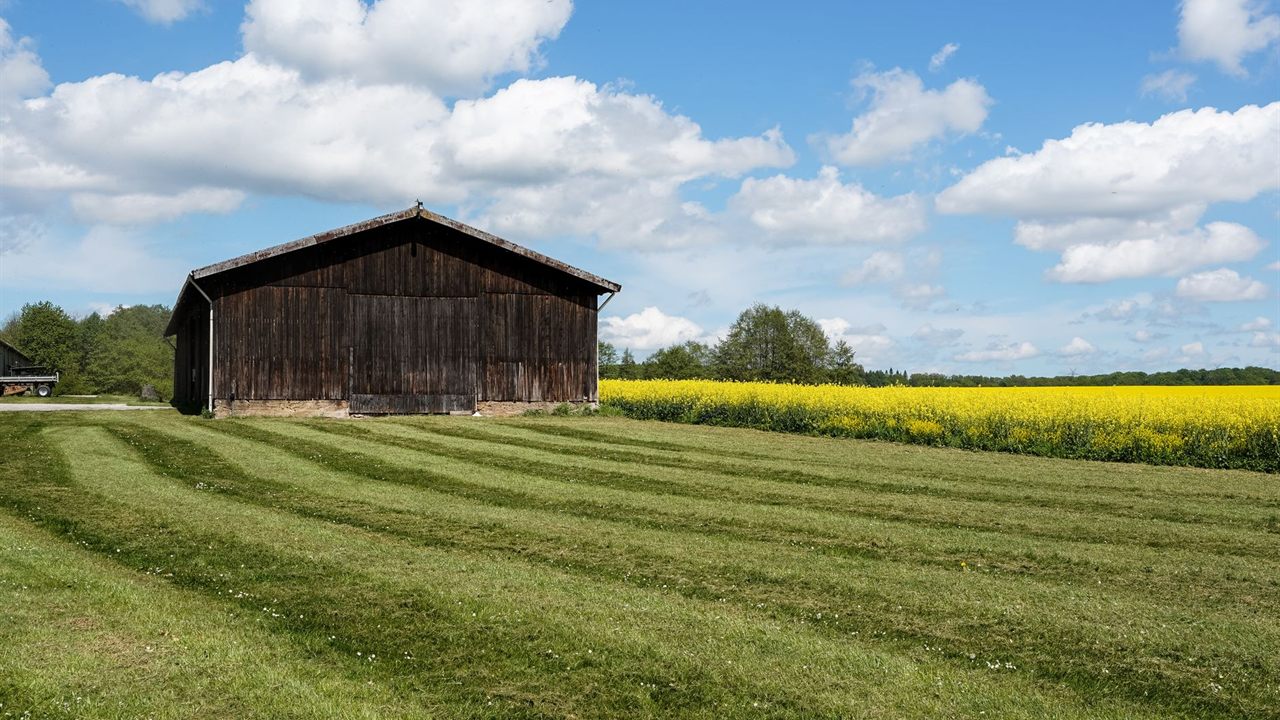
Ways to extend WiFi to outdoor camera mounts compared
The fixes differ mainly in what they need at the mount and how far they reach.
| Option | Needs | Best when | Limits |
|---|---|---|---|
| Move or add an indoor access point | A cable drop near the camera wall | The camera is one wall away | Still loses signal through the wall |
| Outdoor access point | PoE cable to an exterior mount | Several cameras around one building | Needs a cable path and a rated mount |
| Point to point bridge | Line of sight between buildings | Cameras at a garage, barn or shop | Two radios plus a switch or access point at the far end |
| Mesh node or extender | Power at a midpoint | No cable can be run at all | Wireless relay costs throughput |
| Wired PoE camera | One network cable to the mount | Any mount a cable can reach | Labor to pull the cable |

Move or add an access point
The simplest fix is often relocation. A router in a basement corner or closet wastes its signal on the floor and the neighbor’s yard. Moving the access point to the side of the building that faces the camera, or adding a second wired access point there, removes interior walls from the path and leaves only the exterior wall.
Ceiling mounting, centring and channel planning are covered in our guide to WiFi access point placement. Two camera points: set the camera’s band deliberately rather than relying on band steering, and pick the clearest 2.4 GHz channel your analyzer showed at the mount, not at the router.

Outdoor access point for cameras
When several cameras ring one building, an outdoor access point for cameras puts the radio on the same side of the wall as they are. Mount it under the eave or on a wall bracket, feed it with one PoE cable from the switch, and the camera links see open air instead of masonry.
- Choose a unit built and rated for outdoor use, or house an indoor unit in an enclosure rated for the location; NEMA enclosure ratings explains the codes.
- Count the access point’s draw in the switch’s PoE budget.
Point to point bridge to an outbuilding
A garage, barn or workshop beyond cable distance needs a different tool. A point to point bridge sends a narrow beam from a radio on the house to a radio on the outbuilding, and a small switch or access point at the far end serves the cameras there.
Line of sight, Fresnel clearance and the link budget decide whether the bridge works; they are worked through in how to plan a point to point wireless link. Once the far end has a switch, wired PoE cameras on that building are often simpler than WiFi ones.
Mesh nodes and WiFi extenders
Where no cable can be run, a mesh node or extender halfway between the router and the camera can bridge the gap. Place it where it still has a strong signal from the router, usually an inside room near a window facing the camera, not out by the camera itself.
The catch is airtime. A node that relays over WiFi uses the air twice for every frame, a cost set out in mesh WiFi vs access points. A continuous camera stream exposes that cost quickly, so use wired backhaul to the node wherever a cable can reach it.
Switch to PoE where possible
Every WiFi fix above still leaves a radio link that interference or a new neighbor’s network can disrupt. If one cable can reach the mount, a wired PoE camera removes the problem: power and video on one run, continuous recording, and nothing to tune. The trade-offs per location are in wired vs wireless security cameras.
If you would pull a cable for an outdoor access point anyway, consider pulling it to the camera instead.
Where to find cameras and access points
The wireless security cameras category lists WiFi and IP cameras, within the security, surveillance and control division. Indoor and outdoor units are listed in the wireless access point category.
For pricing and availability, ask your sales representative through the Bursma contact page or the Columbus, OH branch, or open a Bursma dealer account.
Frequently asked questions
Why does my WiFi camera keep disconnecting?
Usually a weak or congested radio path between the camera and the access point, often through an exterior wall. Check the signal at the mount from both ends, and rule out a failing power supply.
Will a WiFi extender work for an outdoor camera?
It can, if it sits where it still gets a strong signal from the router. A wireless relay costs throughput, so an access point with a cable back to the network is more reliable.
Should an outdoor camera use 2.4 GHz or 5 GHz?
2.4 GHz loses less over distance and through walls; 5 GHz carries more data over shorter paths. Many cameras support only 2.4 GHz, so plan the channel for it.
How far can a WiFi camera be from the router?
There is no fixed distance. Walls, band and interference decide it, so measure at the mount. Past a building or two, use an outdoor access point or a bridge.