
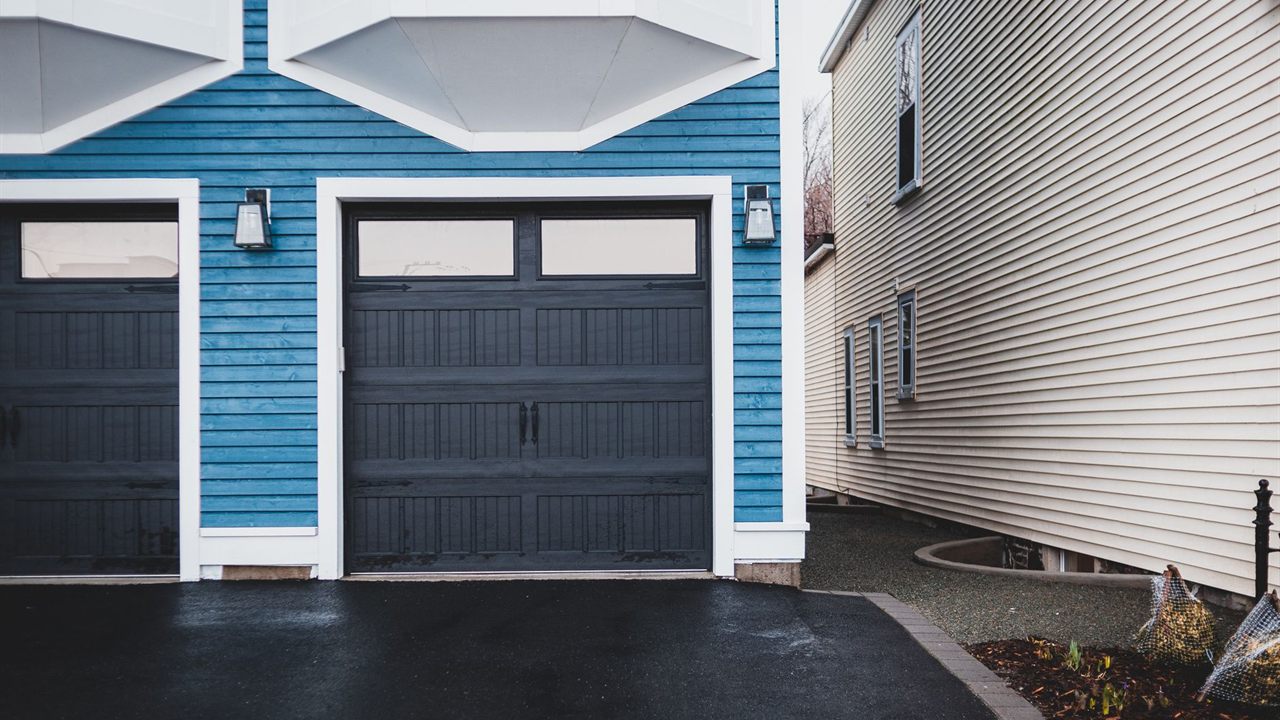
Customers who already have a Z-Wave panel or hub usually ask for the garage next: “Can I see if I left it open, and close it from my phone?” A Z-Wave garage door controller does exactly that, but it is not a simple switch. Federal safety rules govern how a door may close when nobody is standing in the garage, and the opener’s own safety systems must stay in charge. This guide explains how the controller works, what it must do before the door moves, and where it fits beside the alarm system.
What does a Z-Wave garage door controller do?
A Z-Wave garage door controller is a relay module wired to the opener’s wall button terminals, paired with a tilt sensor on the door. The hub reads open or closed from the sensor and pulses the relay to move the door. Before any remote close, the controller flashes a light and sounds a warning, as federal rules require.

How a Z-Wave garage door controller works
The controller has two parts. The control unit mounts near the opener on the garage ceiling and connects to the same two terminals as the wall push button. When the hub sends a command, the unit closes its relay for a moment, exactly as if someone pressed the button.
The second part is a battery-powered tilt sensor on the top panel of the door. It reports open when the panel swings toward horizontal and closed when it hangs vertical. Because the opener only ever “presses the button”, the sensor is what tells the controller which way the door will go and whether the command worked.
- Control unit: relay output, Z-Wave radio, warning light and sounder (built in or attached).
- Tilt sensor: door position, reported to the control unit and the hub.
- Hub or panel: app access, schedules and notifications.

The warning light and beep before an unattended close
The beep and flash are required. The federal rule for residential garage door operators, 16 CFR 1211.14 on unattended operation, is based on UL 325. It requires an audible and visual alarm for at least 5 seconds before the door starts an unattended close. The rule also sets the details:
- The sound must be heard inside the garage, at 700 to 3400 Hz and at least 45 dB at 10 ft.
- The light must flash at least once per second and be at least 360 lumens (or a 40 W incandescent), visible inside the garage.
- Unattended closing is not permitted on one-piece or swinging garage doors, so these controllers are for sectional doors.
- If the safety system reverses the door, one more attempt is allowed; after two, unattended operation stops until someone uses a door control.
Customers often ask to silence the beep. Explain that it is part of the product’s compliance, not a setting to remove. This is a summary of the rule, not legal advice; the controller maker’s instructions say how their unit meets it.

Safety reversal stays with the opener
A controller adds remote access; it does not add or replace safety. The rule says a control accessory must not interfere with or alter the opener’s entrapment protection. The photo eyes or edge sensor and the reversal on contact remain the opener’s job, and a door that will not reverse is not ready for remote closing.
The CPSC rules for automatic garage door openers required entrapment protection on openers made from January 1, 1991, and external protection such as an electric eye from January 1, 1993. CPSC advises testing the reversing feature monthly, following the opener maker’s instructions. On an older opener, test it before you quote the job; if it fails, the opener needs service or replacement first.

Check opener compatibility before you sell one
The relay method assumes the wall button is a plain contact closure: two wires, and shorting them moves the door. Many older openers work that way. Some newer openers use a data wall control that sends a coded signal, and shorting their terminals does nothing. Controller makers publish compatibility notes for this reason.
- Note the opener make, model and wall control type at the site survey.
- Check the controller’s compatibility notes, and confirm the door is sectional.
- Check there is an outlet for the control unit and a clear spot on the top panel for the sensor.
- Confirm the hub or panel supports garage door controllers, and with which features.
If the opener has its own internet gateway, that is the alternative to a Z-Wave controller. Our Z-Wave vs WiFi guide sets out how the two approaches differ.

Why the garage door tilt sensor is not an alarm zone
This catches installers out. The tilt sensor that ships with a Z-Wave controller talks to the controller, not to the panel’s burglary sensor radio. On security panels, Z-Wave devices generally run the automation layer and do not arm, disarm or trip the alarm. Installer forum answers confirm that the controller’s sensor triggers no alarm events.
If the garage door must be protected, add a garage door alarm sensor on the panel’s own sensor frequency, or a wired overhead door contact. Our guide to wireless vs hardwired alarm sensors helps choose between them.
| Point | Controller tilt sensor | Alarm zone sensor |
|---|---|---|
| Talks to | The garage controller and hub | The security panel |
| Job | Door status and close confirmation | Intrusion detection |
| Trips the alarm | No | Yes, when armed |
| Typical form | Battery tilt sensor on the top panel | Panel-frequency tilt sensor or wired overhead contact |
Mounting the tilt sensor and control unit
Mount the sensor on the inside of the top door panel, oriented as the instructions show. A sensor fitted upside down reports the reverse state, a fault installers report on support forums. Keep it clear of the track and rollers, and check it reports both states before handover.
Mount the control unit where its light can be seen from inside the garage and its sounder heard. A garage at the edge of the house is often the weakest point in the mesh; see how to extend Z-Wave range if the controller drops off. If you must move a controller to a new panel, how to exclude a Z-Wave device covers removing it cleanly first.
Automations and S2 security
The most useful automations work on the sensor rather than the relay:
- Notify if the door has been open longer than a set time.
- Notify when the door opens while the system is armed away.
- Turn on garage and entry lights when the door opens after dark.
- Offer a one-tap close from the notification, with the warning running first.
A door that opens the house is an access device, so include it with S2 security, as our Z-Wave vs Zigbee comparison explains. Keep the device key label for the customer file.
Where to find Z-Wave garage door controllers
The 2GIG product category lists a Z-Wave Plus garage door controller with S2 security (GIG2GIG-GD00Z-8-GC). The access control category lists an opener internet gateway and wall control panel, and the Z-Wave category covers the wider automation range, all within the Security, Surveillance and Control division. Dealers near Grand Rapids can reach the Wyoming, Michigan branch. For pricing and availability, ask your sales representative, or open a Bursma dealer account.
Frequently asked questions
Does a Z-Wave garage door controller work with any opener?
No. It works with openers whose wall button is a simple contact closure. Openers with a coded data wall control may need a different interface, so check the controller’s compatibility notes first.
Why does my garage door beep before it closes?
Federal rules require at least 5 seconds of audible and visual warning before an unattended close, so anyone in the garage has time to move.
Can the garage door tilt sensor trigger my alarm?
Not the one supplied with a Z-Wave controller. Add a panel-frequency tilt sensor or a wired overhead door contact for intrusion protection.
Can I use a Z-Wave controller on a one-piece garage door?
No. The rule does not permit unattended closing on one-piece or swinging garage doors.