

A cell booster not working usually means one of six faults: no power, feedback between the antennas, overload from a nearby tower, a badly aimed outside antenna, a cable fault, or the wrong bands for the customer’s carrier. Sometimes there is no fault at all and the outside signal is too weak to amplify. This guide works through them in an order that finds the cause quickly.
Why is my cell booster not working?
Check power and every connector first. Then read the amplifier’s lights: a feedback warning means the inside and outside antennas need more isolation, and an overload warning means the outside antenna should be aimed slightly off the tower. If the lights are normal, confirm the booster covers the carrier’s bands and that the outside signal is strong enough to amplify.

Cell booster troubleshooting: work in this order
Booster faults look alike from inside the building: few bars, dropped calls, slow data. Read the amplifier’s indicator lights against its manual before changing anything, because each maker uses different colours and patterns for the same conditions.
| Symptom | Likely cause | First check |
|---|---|---|
| No lights at all | Power supply or outlet | Supplied adapter, outlet, power cycle |
| Feedback warning, band off | Oscillation | Isolation between the two antennas |
| Overload warning, reduced gain | Tower very close or strong | Aim of the outside antenna |
| Normal lights, little improvement | Aim, cable loss or weak donor signal | dBm reading at the outside antenna |
| Works for some phones only | Carrier or band mismatch | Bands each phone is using |
Measure in dBm, not bars, with the booster off and then on. Our guide to finding the nearest cell tower and reading field test mode explains the readings.
Check power before anything else
A dark amplifier is usually a power problem. Confirm the outlet is live and not on a wall switch, and that the booster is on its own supplied adapter, since a similar looking adapter with a different voltage or polarity may not run it.
Connect every cable before applying power, then power cycle: unplug, wait, and reconnect. Many amplifiers only re-test their bands at start up, so a fix made with the power on may not show until the next restart.

Cell booster oscillation: the antennas can hear each other
Oscillation is feedback. The inside antenna’s output reaches the outside antenna, the amplifier boosts it again, and the loop builds. The federal rule for consumer boosters, 47 CFR 20.21, requires every booster to detect and mitigate oscillation by reducing gain or shutting down.
The same rule sets the timing: mitigation within 0.3 seconds in the uplink band and 1 second in the downlink band, and at least one minute before the booster restarts. After five restarts it must stay off until someone resets it by hand. A booster that works for a few minutes and then goes dark for good is behaving as designed.
Why the high band trips first
The rule caps a fixed wideband booster’s gain at 6.5 dB plus 20 log10 of the uplink mid-band frequency in MHz. Assume uplink mid-bands of 707 MHz and 1880 MHz:
- 707 MHz: 6.5 + 20 x 2.849 = about 63.5 dB.
- 1880 MHz: 6.5 + 20 x 3.274 = about 72.0 dB.
Those are ceilings, not any kit’s actual gain, but they show that a booster may run more gain on its higher bands. More gain needs more isolation, so a higher band often oscillates first. Increase separation, put the roof or a masonry wall between the antennas, and point them away from each other. The distances in our cell signal booster installation guide are the starting point.
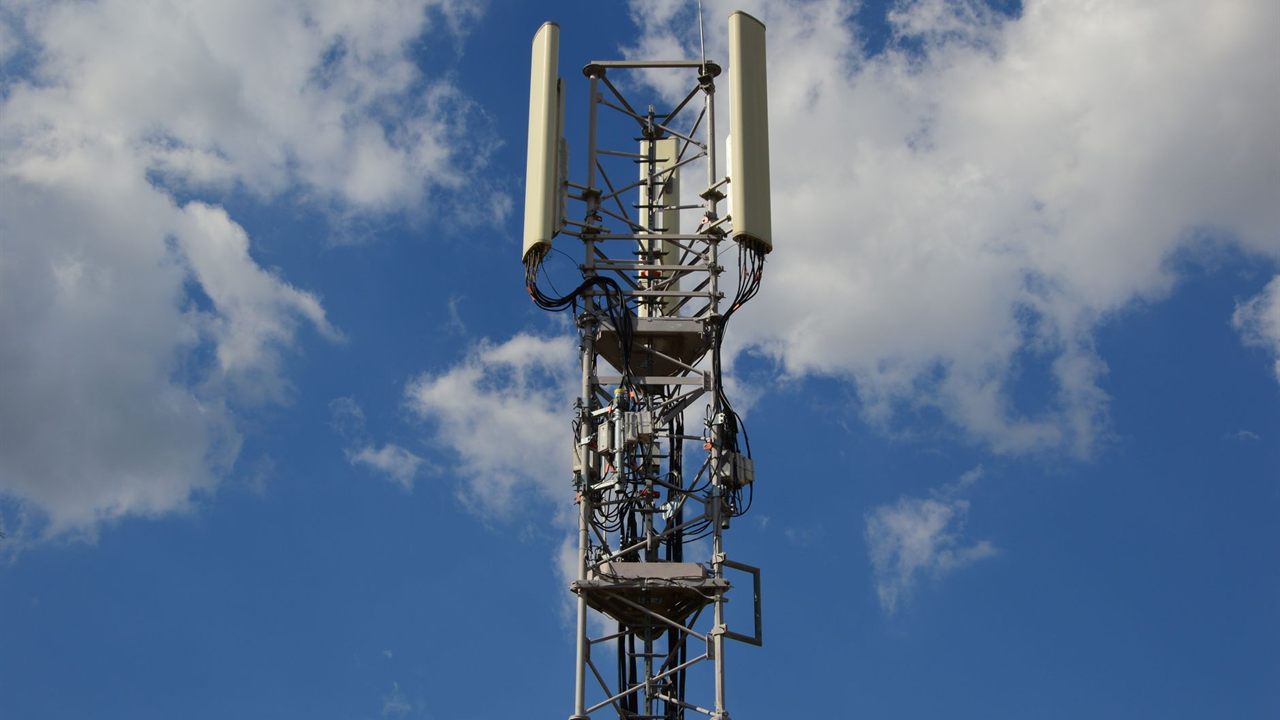
Overload and automatic gain reduction
The opposite fault is too much signal. The rule requires automatic limiting against excessive input, and says boosters must power down or stop amplifying as they approach a base station. Close to a tower, the amplifier cuts its own gain, and coverage inside shrinks.
- Turn a directional outside antenna a few degrees off the tower and recheck the lights.
- Move the outside antenna to a side of the building that faces away from the near tower.
- Where the kit has manual gain controls, lower the overloaded band as its manual describes.

Donor antenna aim and the wrong tower
A directional outside antenna pointed at the strongest tower may still be pointed at the wrong carrier. Confirm which tower serves the customer’s carrier, then make small changes while watching the dBm reading, not the indoor bars.
Check the antenna’s polarization and mount too. A mast that has twisted in the wind changes the aim without anyone noticing. Our explainer on antenna polarization covers why orientation matters.
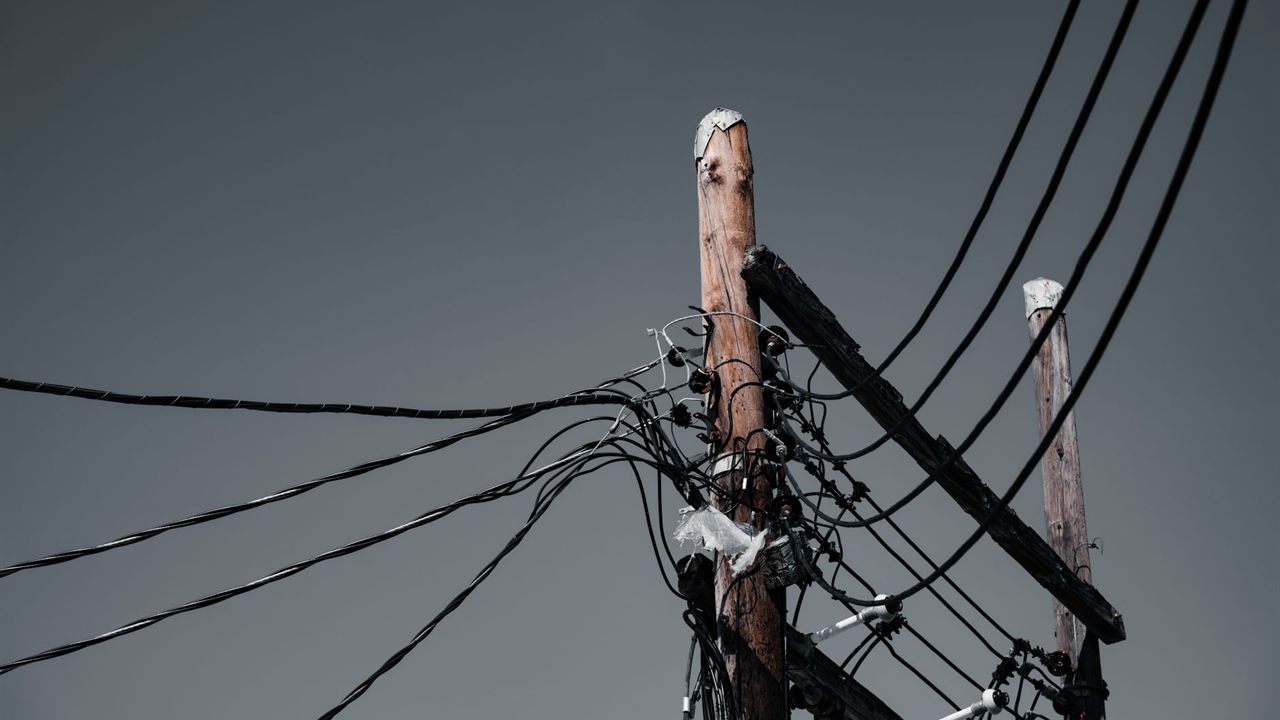
Coax and connector faults
Every decibel lost between the outside antenna and the amplifier comes off the signal the booster has to work with. Walk the whole run.
- Tighten every connector to the kit’s instructions. A loose connector can cause intermittent loss.
- Look for water in outdoor connectors and seal them with weatherproofing tape or boots.
- Check for kinks, crushed sections, staples through the jacket and tight bends.
- Confirm the cable and connectors match the kit’s impedance and type, and replace any adapter that was not supplied.
- Compare the run length with the kit’s maximum, and estimate the loss with our coax cable signal loss guide.
Carrier and band mismatch
A booster only amplifies the bands it was built for. If one carrier’s phones improve and another’s do not, check which bands each phone is using in field test mode and compare them with the band list on the booster’s data sheet.
A phone may also move to a band the booster does not cover once it has signal, especially for data. Before replacing hardware, ask the carrier whether a nearby site was changed, and confirm the booster is registered with the carrier, as the rule requires.
When the outside signal is simply too weak
A booster amplifies what the outside antenna receives; it cannot create a signal. If the reading at the outside antenna is very weak, the inside coverage may be one room, or none.
- Survey the roofline and a temporary mast position for a better reading before moving the antenna for good.
- Try a higher mount or a higher gain directional antenna aimed at a more distant tower.
- If no usable reading exists anywhere outside, a booster is not the fix; tell the customer early.
Where to find replacement booster parts
The cell amplifier category lists booster kits, and the wireless antenna category lists outside antennas. Both are in the Broadband and WiFi division. For pricing and availability, ask your sales representative through the Bursma contact page, or open a Bursma dealer account.
Frequently asked questions
Why does my cell booster keep shutting off?
Usually oscillation. Federal rules require boosters to stop on feedback, and after five restarts to stay off until manually reset. Add isolation between the antennas, then power cycle.
Can a cell booster make signal worse?
Yes, while it is oscillating or overloaded it reduces gain or shuts bands off, and service can drop below what the phone had without it. Fix the isolation or the aim, then retest in dBm.
How do I know if my cell booster is working?
Take a dBm reading in the same spot with the booster off and then on. A working booster shows a clear improvement on the bands it covers, and its lights show no warnings.
Does a cell booster work with every carrier?
Only on the bands it supports. Check each carrier’s bands against the booster’s data sheet, and have the subscribers on each carrier register it with their provider.