

Every lighting automation job starts at the same place: put the intelligence in the lamp or in the wall. The smart switch vs smart bulb decision looks like a matter of taste, but it comes down to the fixture, the people who use the room and one ordinary wall switch that can undo a smart bulb with a single flick. This guide covers where each one wins and how to combine them.
Smart switch vs smart bulb: which should I choose?
Choose a smart switch when one switch feeds several lamps, when guests and family use the room, or when you want any bulb to work. Choose smart bulbs when you need colour, tunable white, a single lamp or no wiring. Smart bulbs need constant power, so the wall switch must stay on or be replaced with a control that keeps them powered.

Smart switch vs smart bulb: what each one controls
A smart switch replaces the wall switch. It turns the circuit on and off, so every lamp on that circuit follows it, and the lamps themselves can be ordinary bulbs. A smart bulb puts the radio inside the lamp. The wall switch stays, and the bulb takes commands from an app, a voice assistant, a hub or a remote.
That difference sets everything else. A switch changes how the light is controlled; a bulb changes the light itself. A switch is line-voltage work that needs the right box and, for most models, a neutral, covered in our guide to the smart switch neutral wire requirement. A bulb screws into the socket.
| Factor | Smart switch | Smart bulb |
|---|---|---|
| Controls | The whole circuit | One lamp |
| Installation | Wiring at the switch box | Screws into the socket |
| Colour and tunable white | No | Yes, on colour or white-tuning models |
| Bulbs it works with | Any bulb its rating allows | Itself only |
| Wall switch flipped off | Not an issue, it is the switch | Bulb goes offline |
| Best fit | Multi-lamp fixtures, shared rooms | Lamps, colour scenes, rentals |
The smart bulb wall switch problem
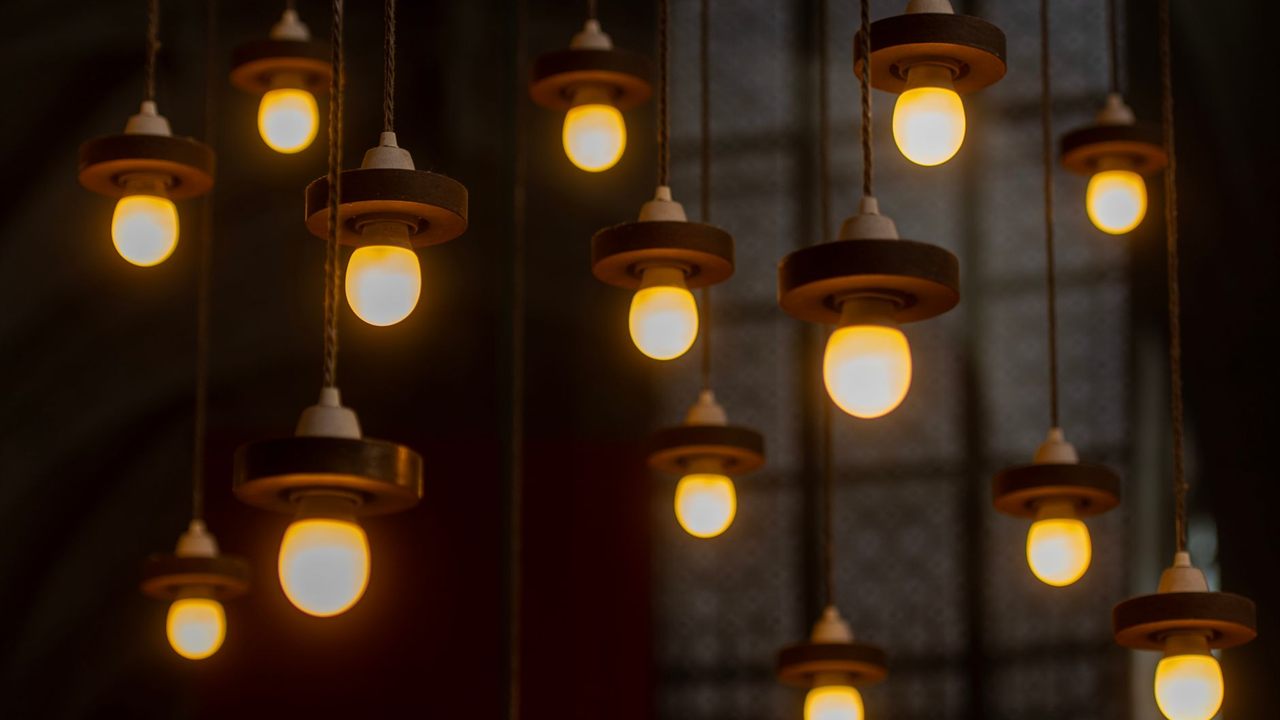
A smart bulb only works while it has power. Flip the wall switch off and the bulb disappears from the app; schedules, scenes and voice commands do nothing until someone turns the switch back on. In the SmartThings community debate on bulbs versus switches, one user put it this way: cutting power to an intelligent device defeats half of its benefit.
It is a people problem as much as a technical one. Guests, children and anyone used to a normal home reach for the wall switch. Forum users also report bulbs that come back on at full after a power cut, because a bulb that loses power and gets it back has no way of knowing it was meant to be off.
There are three practical fixes:
- Leave the switch on and guard it. A switch guard or a cover plate keeps the circuit live. It works, but it looks like a workaround.
- Mount a battery remote over the switch. A wireless remote that talks to the bulbs can sit over or beside the old switch, so people still press something on the wall.
- Fit a smart switch that keeps the bulbs powered. Covered in the section on mixing both, below.
Fixtures with many bulbs: where a switch wins
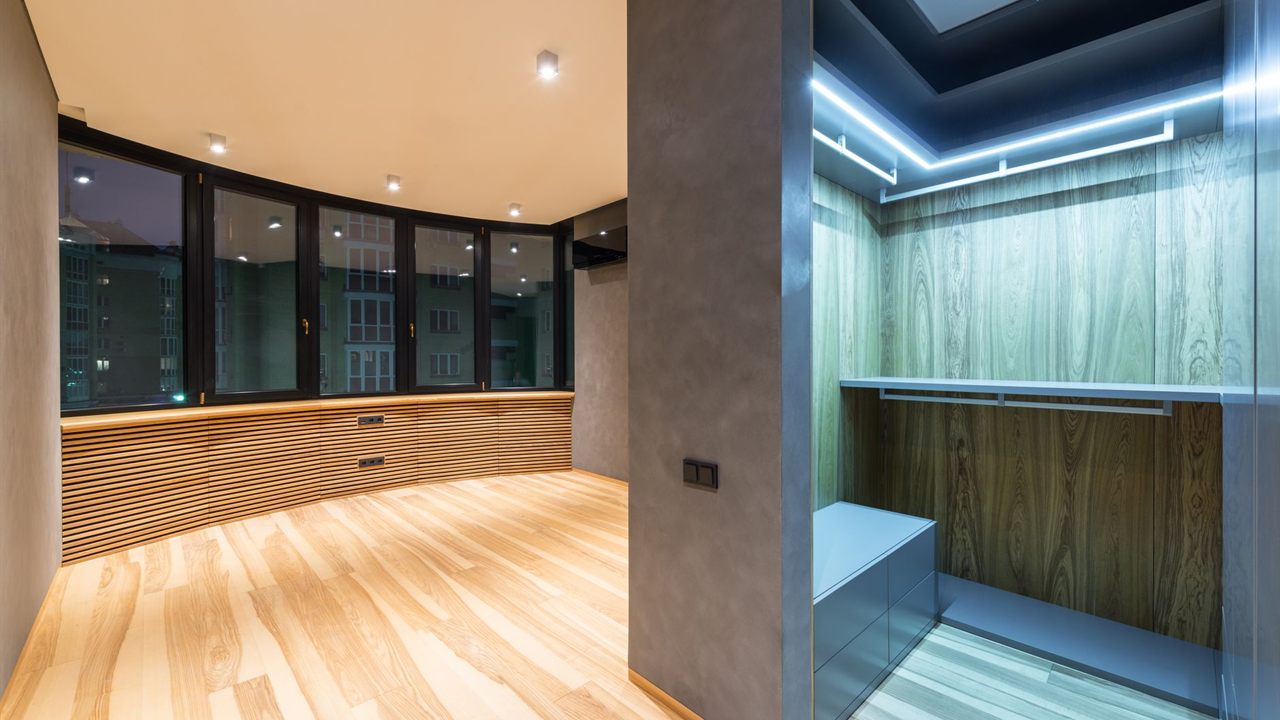
A chandelier, a bathroom vanity bar or a kitchen full of downlights changes the arithmetic. With bulbs, every lamp needs replacing and pairing as a separate device. With a switch, one device controls the lot, and the lamps can be any type the switch is rated for.
Some fixtures leave no choice. Integrated LED downlights, fixtures with built-in drivers and fluorescent lighting have no socket for a smart bulb at all, so the control has to go in the wall. On a run of lights controlled from two locations, the switch route also means planning the multi-way circuit; see how to wire a 3-way smart switch before quoting.
Smart switches also suit shared spaces: hallways, kitchens, bathrooms and stairs, where people expect a switch to behave like a switch and nobody wants to open an app.
Colour and tunable white: where a bulb wins
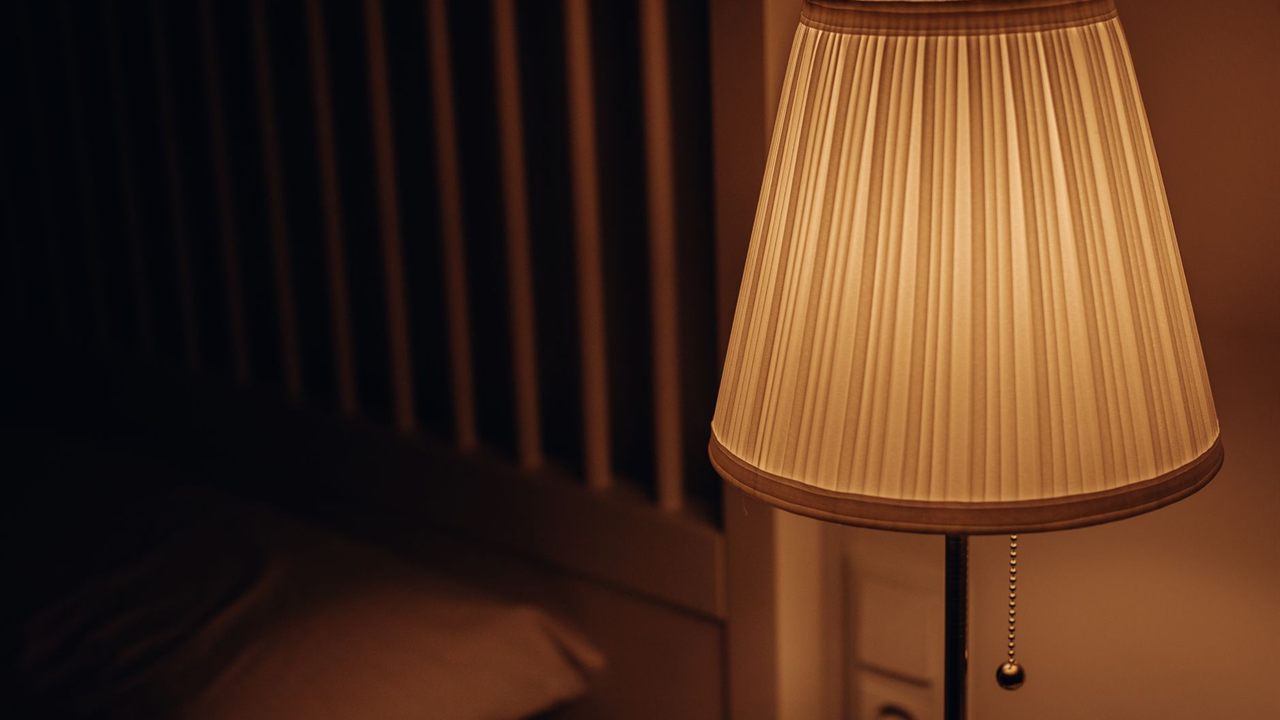
A switch cannot change what the lamp produces. If the client wants colour scenes, warm light in the evening and cooler light in the morning, or tunable white across a room, the bulb has to do it.
Bulbs also fit jobs where wiring is not on the table: plug-in table and floor lamps, rentals where the tenant cannot touch the switch box, and older homes where the switch box has no neutral and the client does not want an electrician to add one. One or two lamps in a room is often simpler with bulbs.
Can you put smart bulbs on a dimmer?
No, not on a standard dimmer that cuts the power reaching the lamp. A smart bulb manages its own brightness and expects steady power. On a phase-cut dimmer the bulb’s electronics and the dimmer fight each other, and users on the SmartThings forums report flicker, bulbs that cycle on and off at random, and failed switches. Leave any dimmer on the circuit at full, or replace it.
Ordinary LED lamps are different. The ENERGY STAR program’s guide to dimmable LED lighting says to look for the word “dimmable” on the package, and that not every bulb works with every dimmer, so the bulb maker lists the dimmers it is compatible with. If the client wants dimming without smart bulbs, a smart dimmer with dimmable lamps is the route; the matching rules are in smart dimmer vs smart switch.
Using both: a smart switch with smart bulbs
Most homes end up with both, and the forum consensus is that the right mix depends on the room. The trick is a wall control that never cuts power to the smart bulbs:
- A smart switch with a smart-bulb setting. Some smart switches can keep the load permanently powered, so a button press is sent to the hub or bulbs as a command instead of opening the circuit. Makers name the setting differently, and on some models a remote off command can still cut the load, so check the switch documentation.
- A battery scene controller or remote. No wiring, and it can be paired straight to the bulbs or to the hub.
- Split the circuits. A smart switch on the downlights, smart bulbs in the lamps, joined in one scene in the app.
Either way, show the client how the wall control works.
Hub or WiFi: how each one connects
Both smart switches and smart bulbs come in WiFi, Z-Wave, Zigbee and other radio versions, and the choice matters more as the device count grows. Ten smart bulbs on WiFi are ten more clients on the router; ten on a mesh protocol go through a hub. The trade-offs are in Z-Wave vs WiFi for smart home devices and Z-Wave vs Zigbee.
A switch in smart-bulb mode needs a hub or app that passes its presses to the bulbs, so confirm both work with the same controller before quoting.
Where to find lighting control products
The lighting control category and the Z-Wave category sit in the Security, Surveillance and Control division. For pricing and availability, ask your sales representative through the Bursma contact page or at our Grand Rapids area branch, or open a Bursma dealer account.
Frequently asked questions
What happens if you turn off the wall switch on a smart bulb?
The bulb loses power and goes offline. Apps, schedules and voice commands cannot reach it until the switch is turned back on.
Do smart bulbs work with regular light switches?
Yes, while the switch stays on. Many bulbs light when power returns, so the switch still works as a basic on and off.
Can you use a smart switch with smart bulbs?
Yes, if the switch keeps the bulbs powered and sends commands instead, or if the switch controls other lamps. A smart switch that simply cuts power causes the same problem as a normal switch.
Is a smart switch or smart bulb better for a ceiling fixture with several lamps?
Usually a smart switch. One device controls every lamp and works with any bulb the switch is rated for, unless the client needs colour.